Actions
The action catalog, action applicability rules, and assignment guardrails.
The Actions section (/actions) has three tabs, all sharing one sub-navigation bar:
Actions, Action Applicability, and Assignment Guardrails.
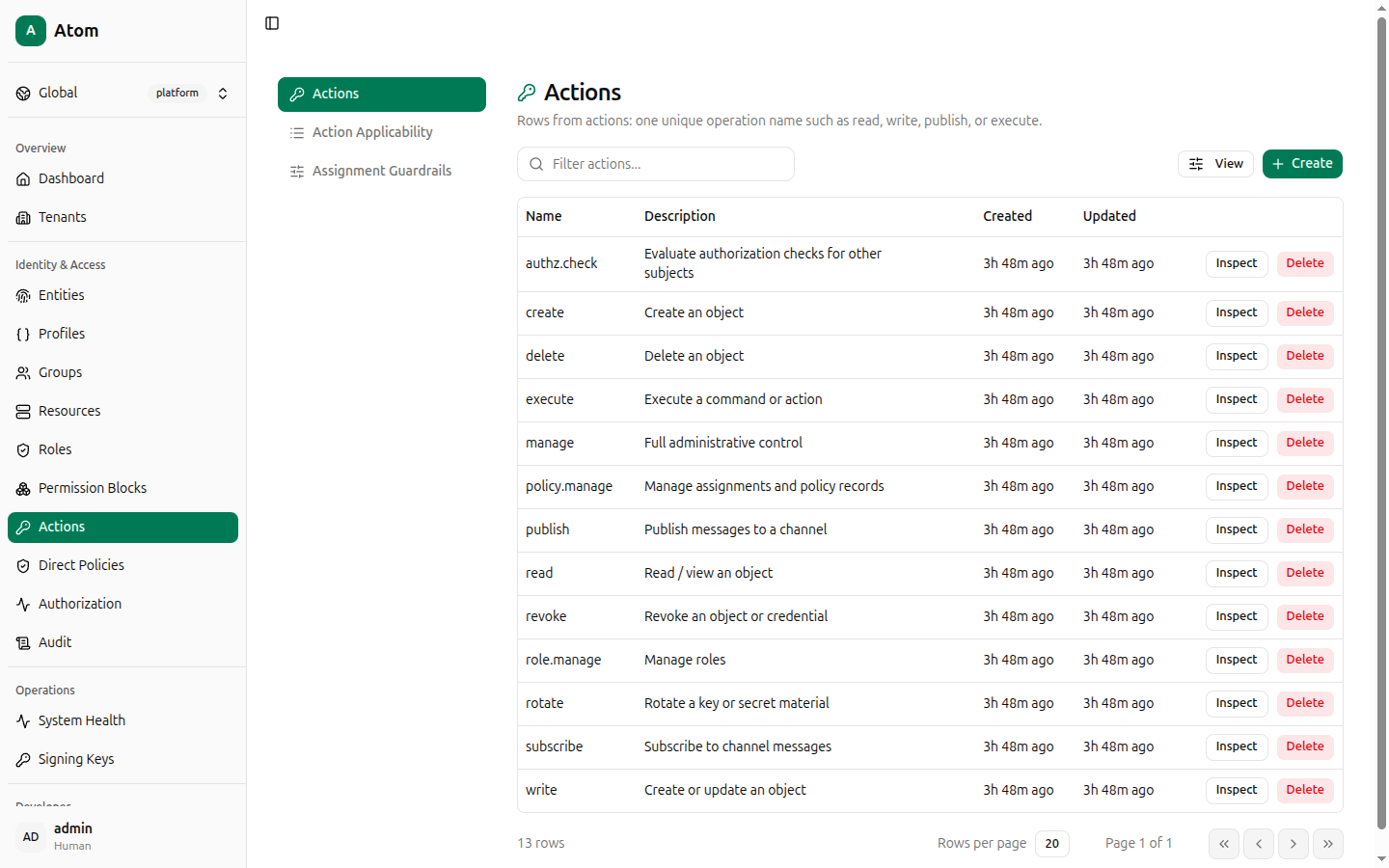
Actions tab
The action catalog — one row per unique operation name (read, write, publish, manage,
role.manage, policy.manage, and others). Atom seeds 13 actions covering the common CRUD,
messaging, and administrative verbs.
Columns: Name, Description, Created, Updated.
Create an action
Click + Create.
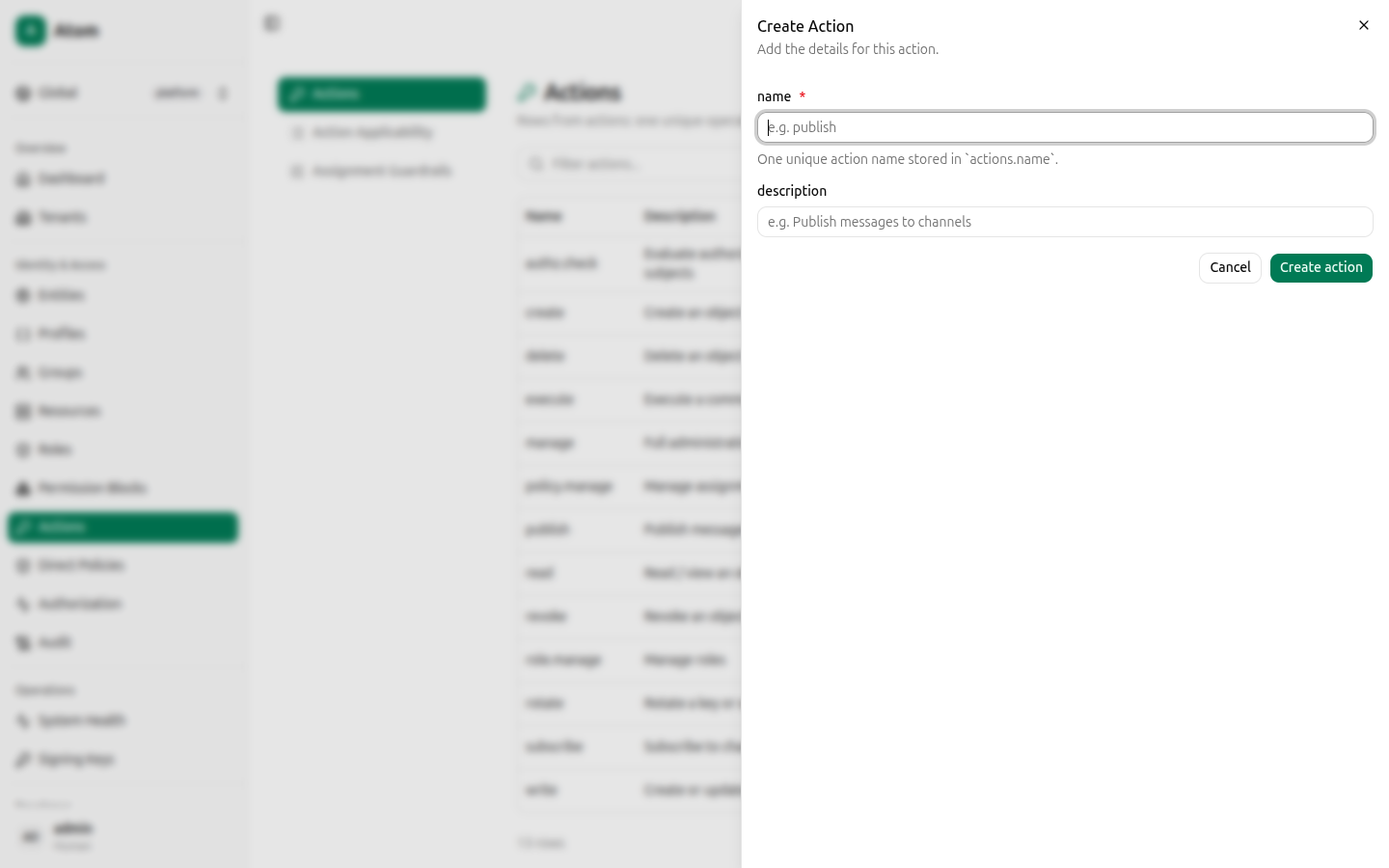
Fields:
- name (required) — one unique action name stored in
actions.name, for exampleexportorapprove. - description — optional, free text.
Click Create action. A new action isn't usable anywhere yet until you also add an Action Applicability row for it (next tab).
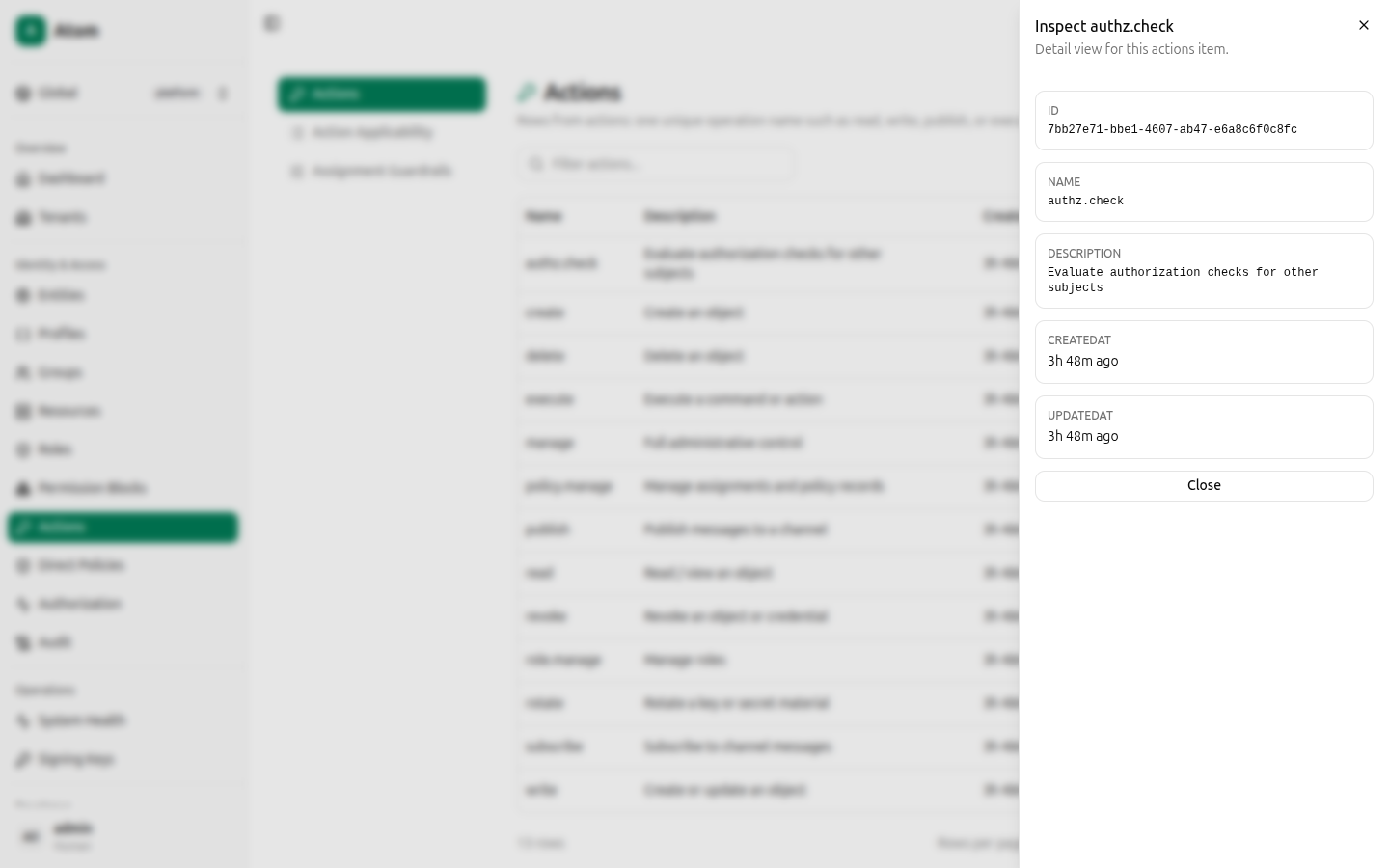
Row actions
- Inspect — view ID, Name, Description, CreatedAt, UpdatedAt.
- Delete — remove the action. Deleting an action that's still referenced by a permission block or applicability row will surface as broken references elsewhere, so clean those up first.
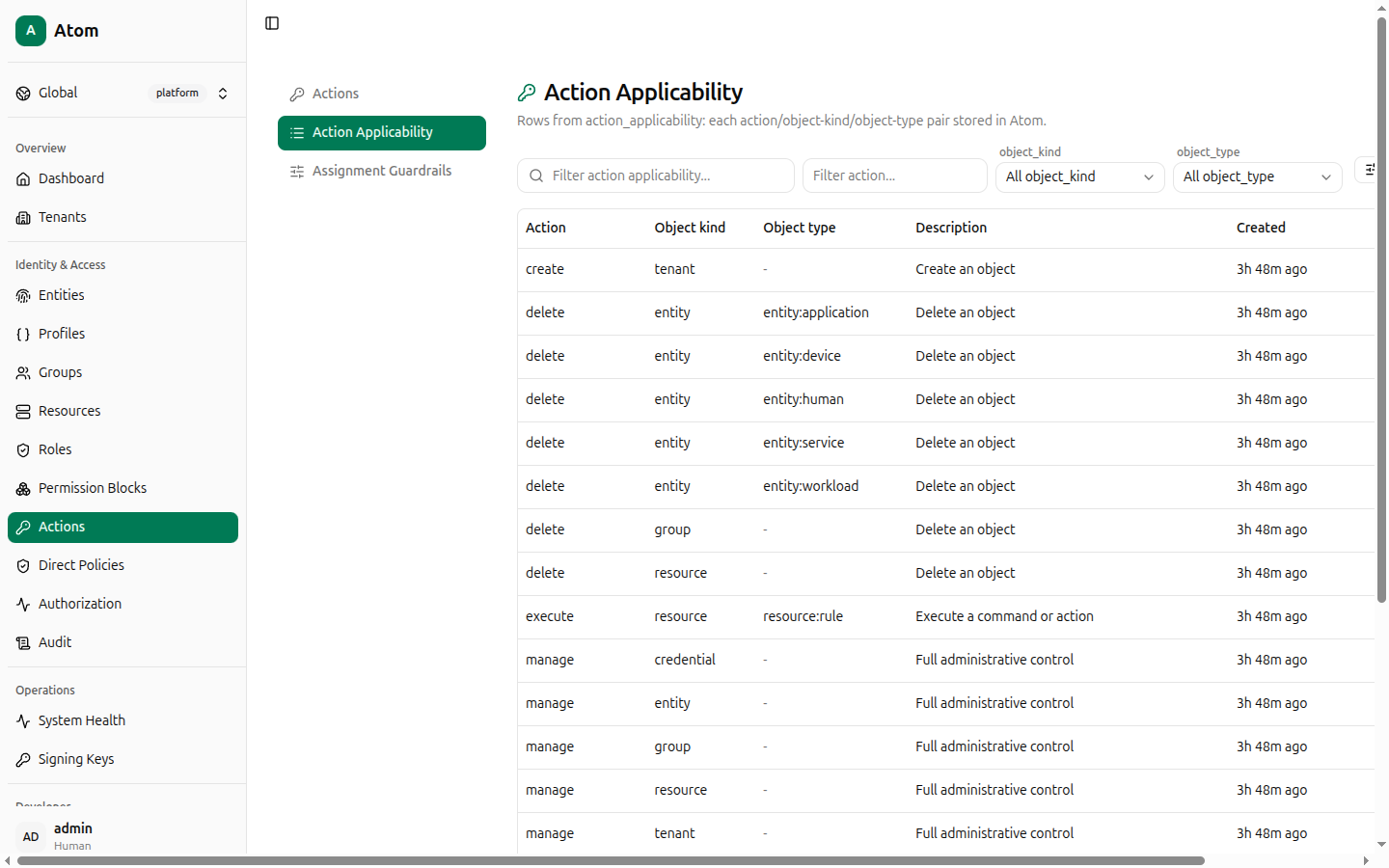
Action Applicability tab
Each row pairs an action with the object kind/type it's valid for — for example "read is
valid for resource:invoice." This is the join Atom checks before a permission block's
action even becomes relevant: an authorization check will not match a permission block whose
action doesn't have a corresponding applicability row for the target's kind/type.
Columns: Action, Object kind, Object type, Description, Created. Atom
seeds around 46 applicability rows spanning entity, resource, group, tenant, role,
policy, credential, and audit_log object kinds.
Create an applicability row
Click + Create.
- action_id (required) — pick from existing actions.
- object_kind (required) —
entity,resource,group,tenant,role,policy,credential, oraudit_log. - object_type — optional namespaced value such as
entity:deviceorresource:channel. Leave empty to apply the action to every sub-kind under object_kind.
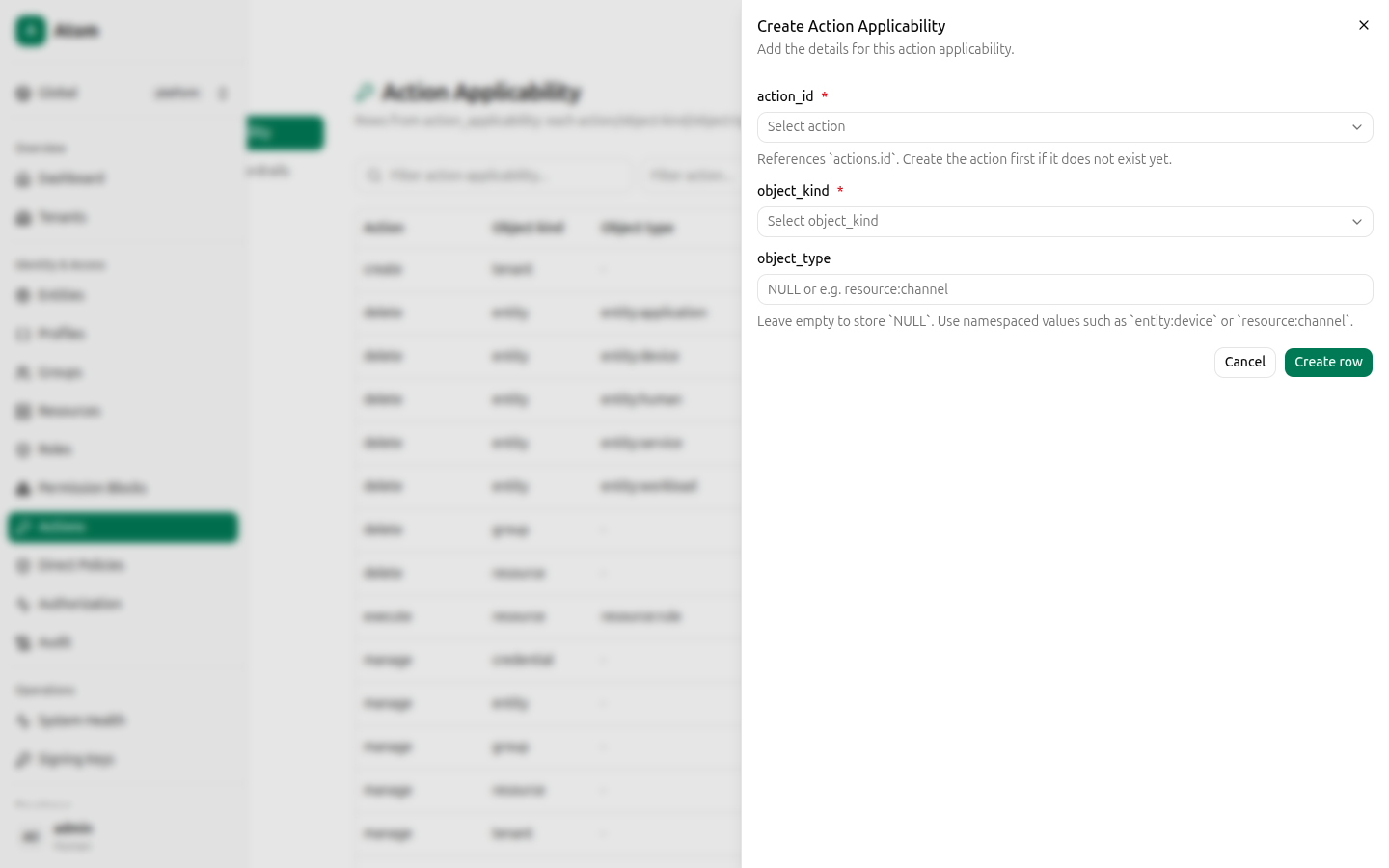
For example, to let read apply specifically to invoice resources rather than every
resource kind:
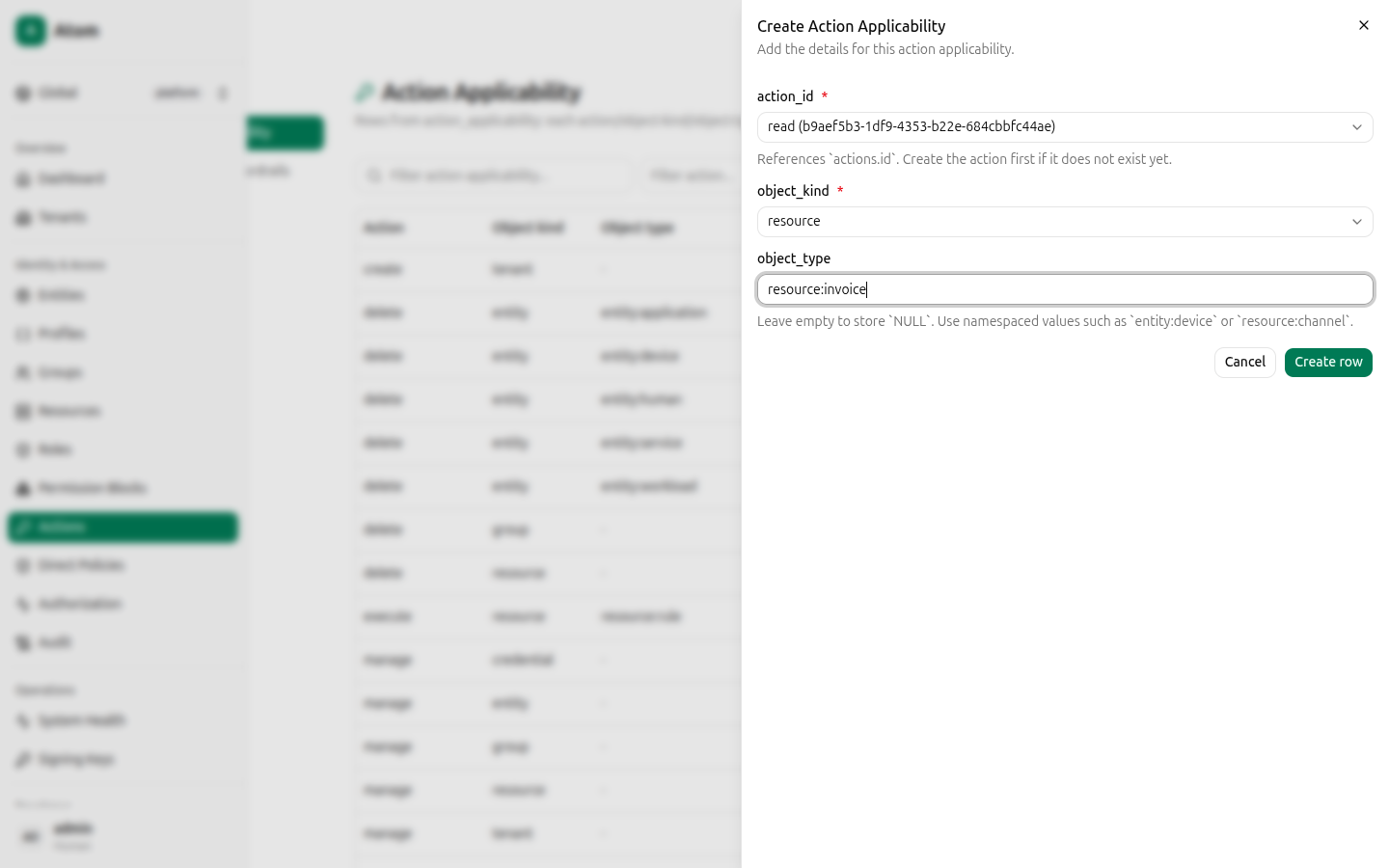
Click Create row.
Assignment Guardrails tab
Guardrails are assignment-time allow/deny rules keyed by entity kind, action,
object kind, and optional object type — they constrain which kinds of grants are
even allowed to be assigned, independent of any specific permission block. Atom seeds 14
guardrails, for example denying device entities from ever being granted delete, manage,
or write on resources, while allowing human and service entities to be granted
manage/policy.manage/role.manage style administrative actions.
Columns: Scope, Entity kind, Action, Object kind, Object type, Decision, Absolute, Created.
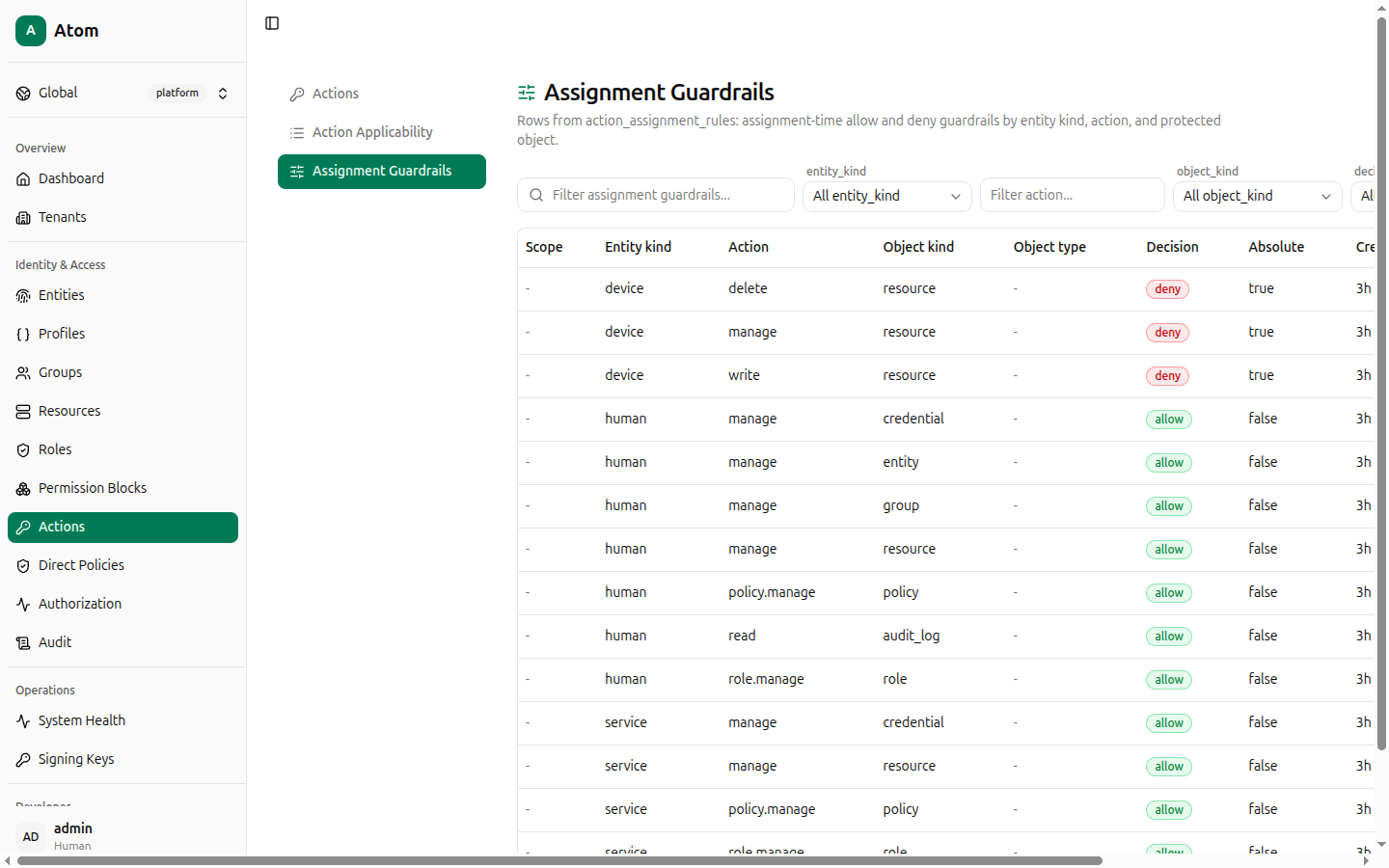
Create a guardrail
Click + Create.
- entity_kind (required) —
human,device,service,workload, orapplication. - action_name (required).
- object_kind (required).
- object_type — optional; leave empty to match every sub-kind.
- decision (required) —
allowordeny. - is_absolute — a toggle; absolute global rules cannot be overridden by tenant-level guardrails.
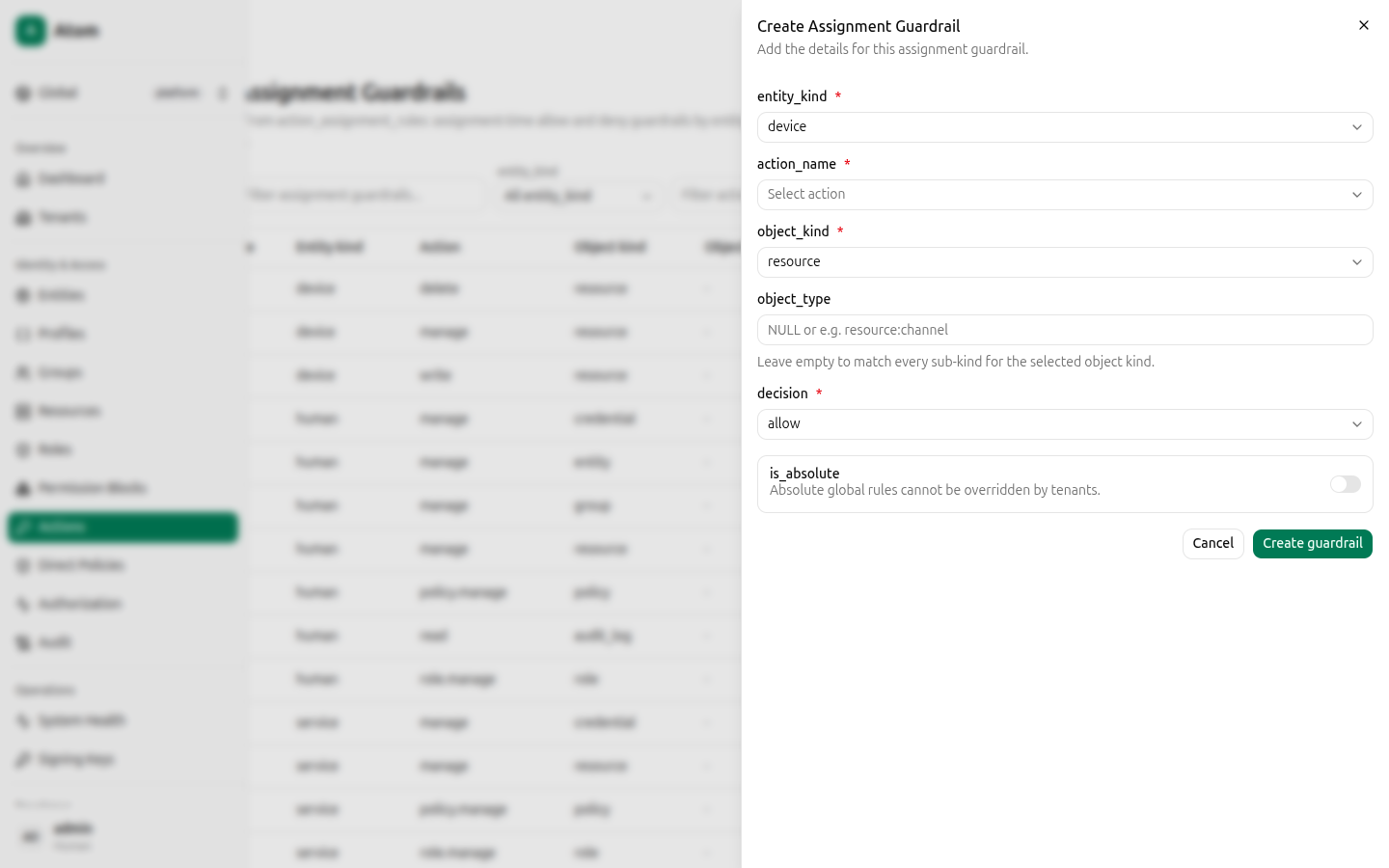
Click Create guardrail.
Guardrails constrain what can be assigned (a defense against accidentally granting a device
delete on every resource, for example). They are a separate mechanism from the
allow/deny Effect on a permission block, which is what
the Authorization debugger evaluates for a specific request.