Permission Blocks
Reusable scope, effect, action, and condition sets — the core building block of Atom's access model.
Permission Blocks (/permission-blocks) are Atom's central authorization primitive: a
named combination of where (scope), what (actions), allow or deny (effect), and
optionally under what conditions (ABAC). Roles attach one or more
permission blocks to make them assignable; Direct Policies
attach a single permission block straight to one subject. See
Access Control for the full conceptual model.
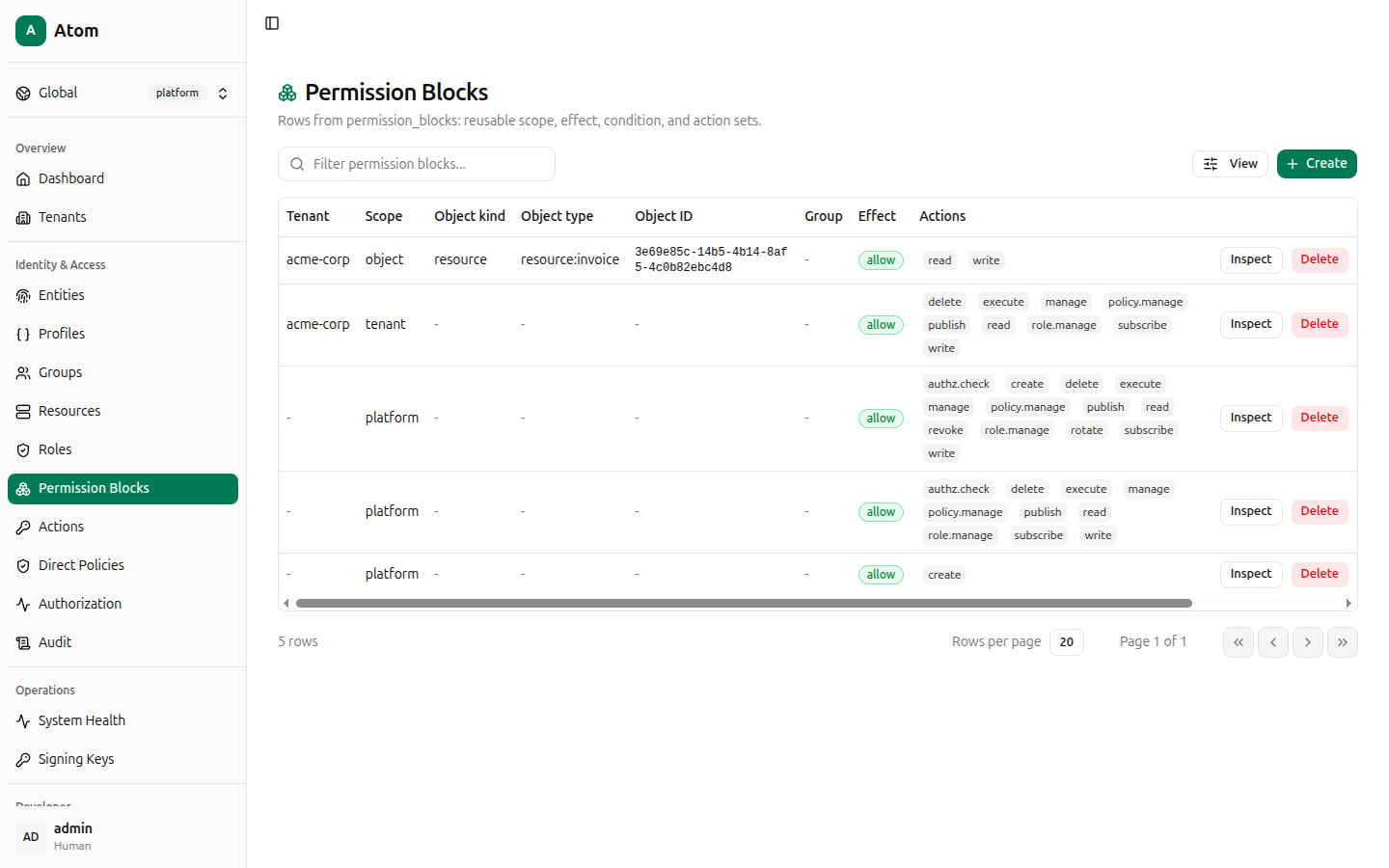
Permission Blocks table
Columns: Tenant, Scope, Object kind, Object type, Object ID, Group,
Effect, Actions, Created, Updated. Atom seeds four platform/tenant-admin
blocks (visible under Platform tenant scope and the acme-corp-style tenant-admin blocks
created when a tenant is provisioned).
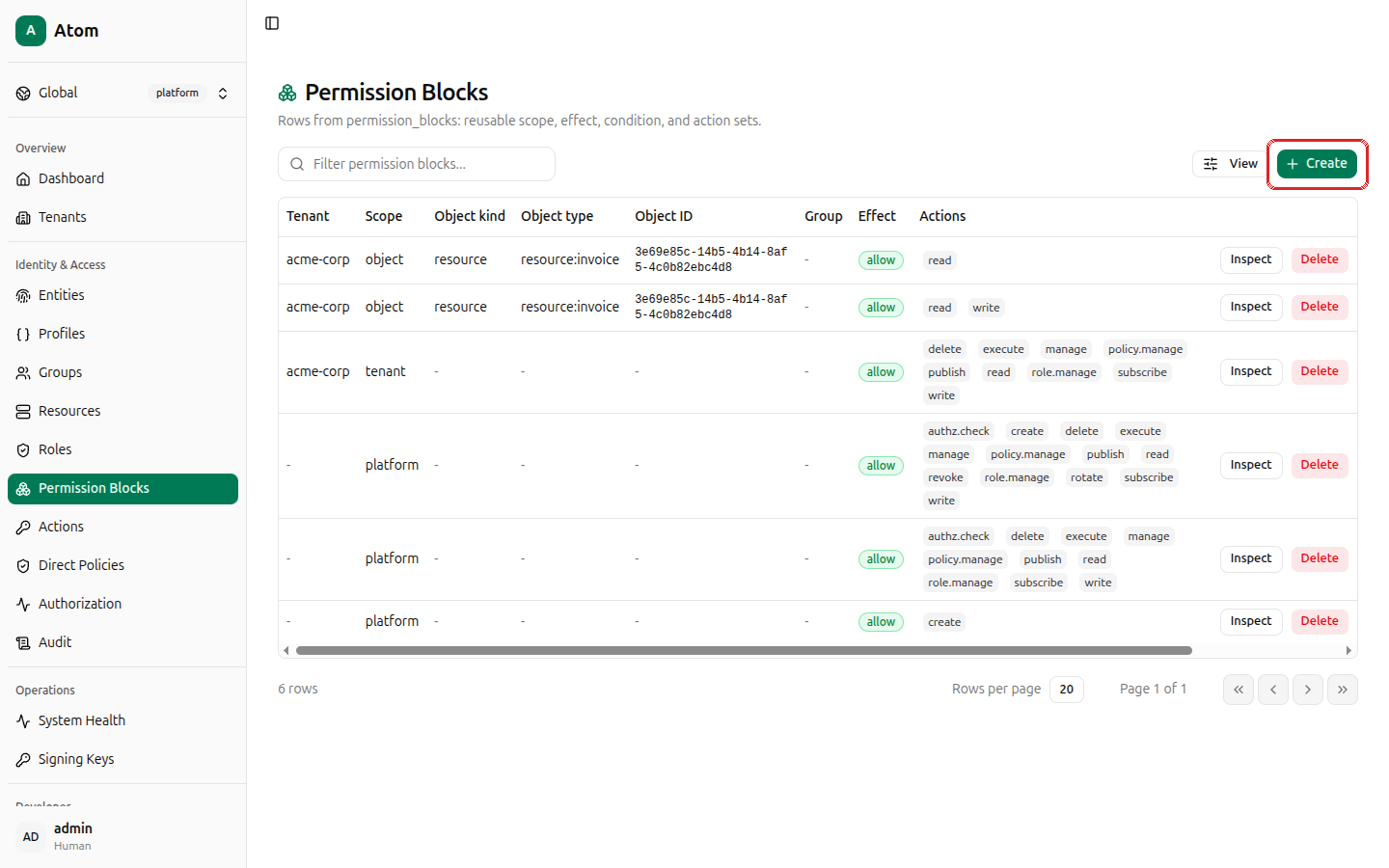
Create a permission block
Click + Create.
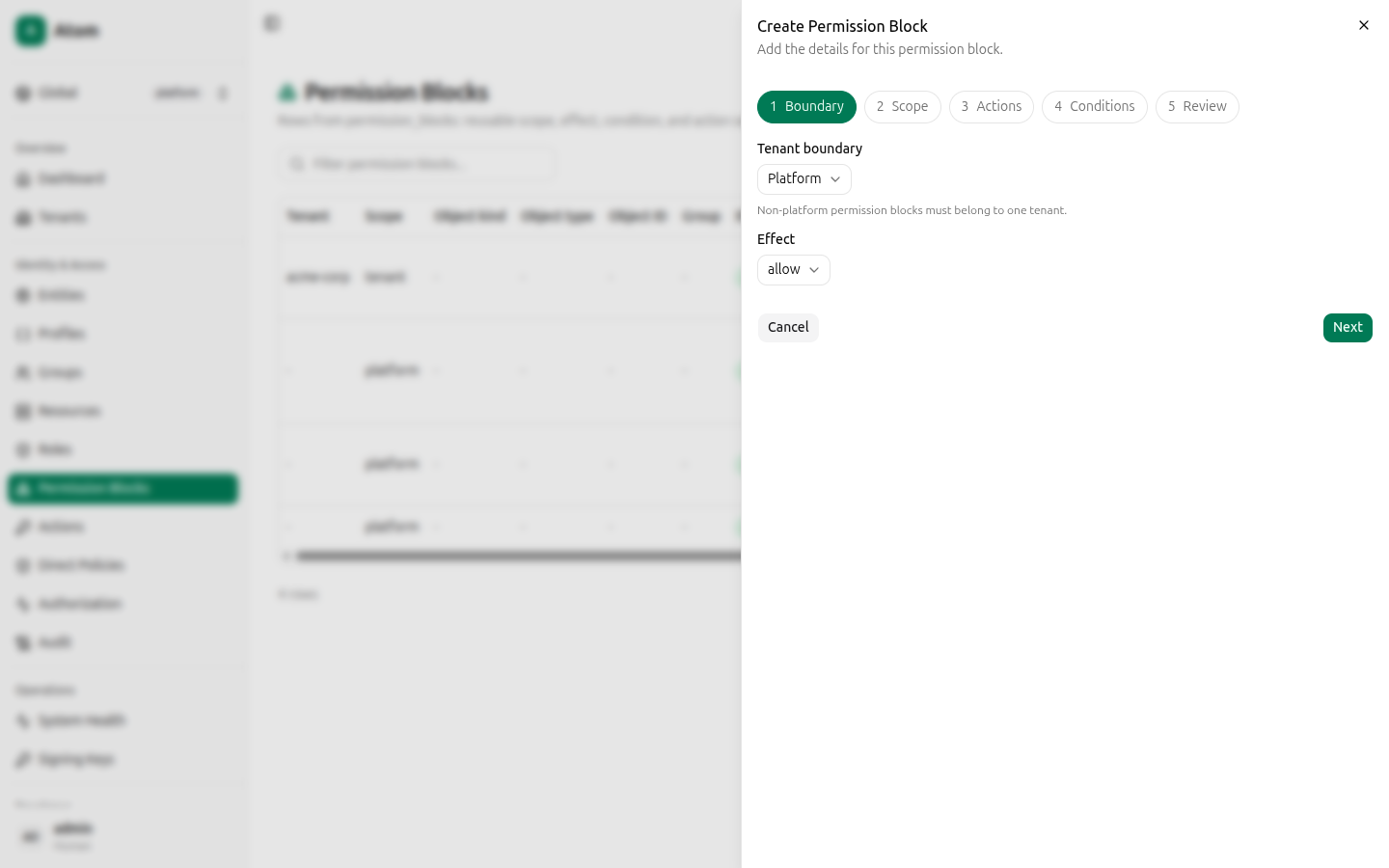
This is a 5-step wizard: Boundary, Scope, Actions, Conditions, Review.
Step 1 — Boundary
- Tenant boundary — Platform (visible everywhere) or a specific tenant. Non-platform blocks must belong to one tenant.
- Effect —
allowordeny. A matchingdenyalways overrides a matchingallow— Atom is deny-by-default and deny-overrides-allow.
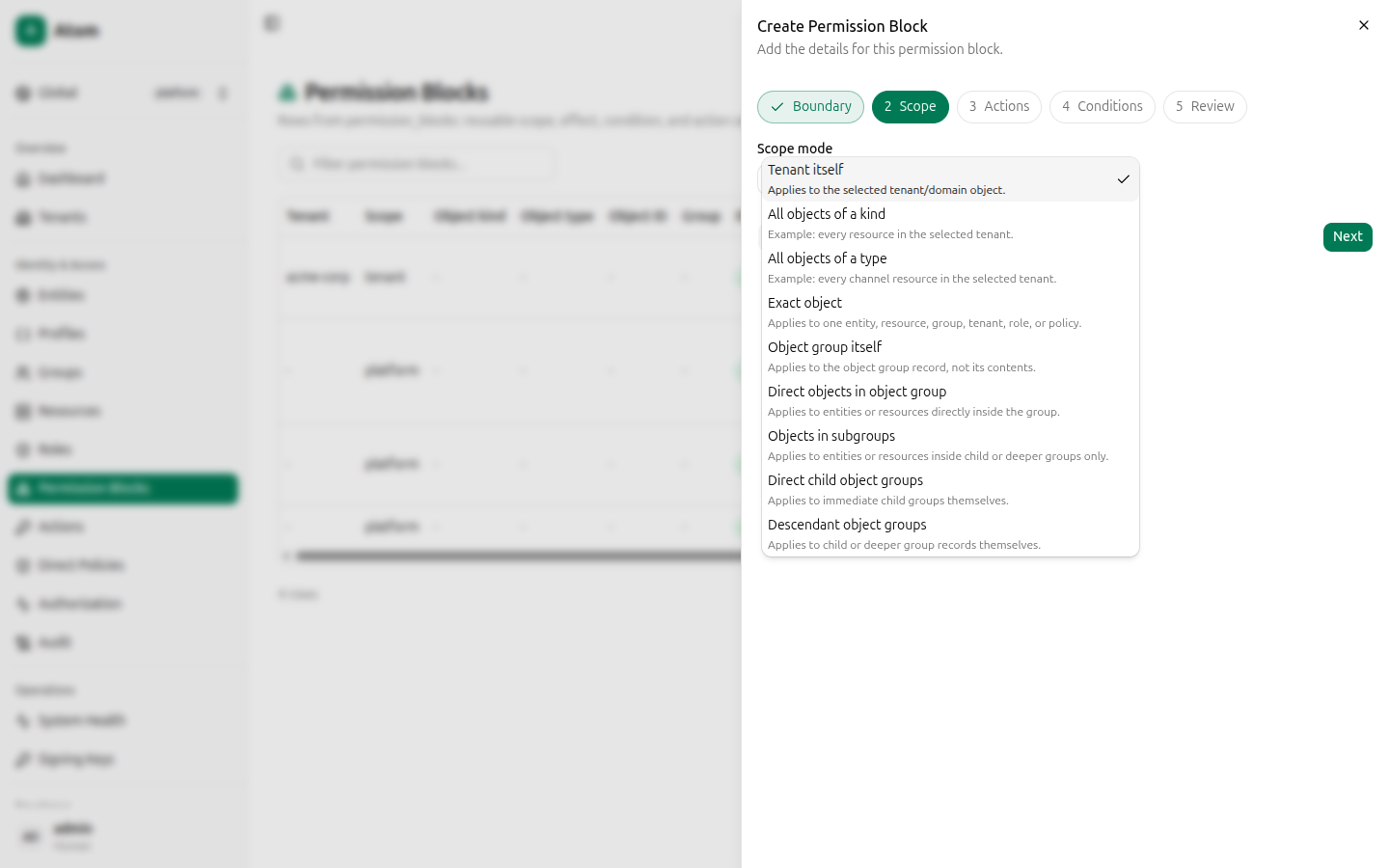
Step 2 — Scope
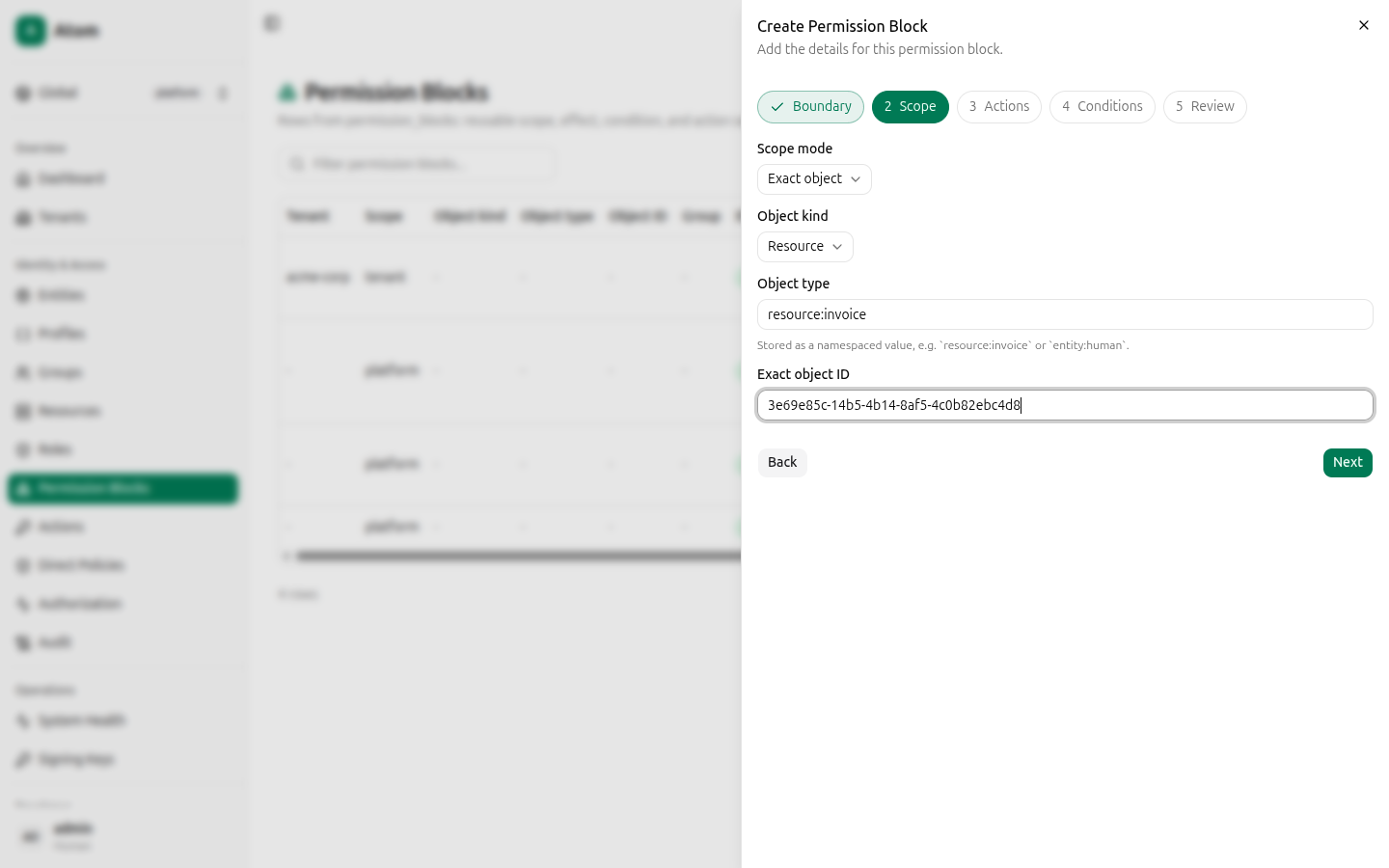
Scope mode determines what the block applies to. All nine modes:
| Scope mode | Applies to |
|---|---|
| Tenant itself | The selected tenant/domain object. |
| All objects of a kind | Every object of a kind (for example every resource) in the tenant. |
| All objects of a type | Every object of a specific type (for example every resource:channel) in the tenant. |
| Exact object | One specific entity, resource, group, tenant, role, or policy, by ID. |
| Object group itself | The object group record, not its contents. |
| Direct objects in object group | Entities/resources directly inside the group. |
| Objects in subgroups | Entities/resources inside child or deeper groups only. |
| Direct child object groups | Immediate child groups themselves. |
| Descendant object groups | Child or deeper group records themselves. |
Picking Exact object reveals Object kind (Entity, Resource, Object group, Tenant,
Role, Policy, Credential, Audit log, or Signing key) and, for most kinds, an Object type
free-text field (namespaced, e.g. resource:invoice) plus the Exact object ID (paste the
target's UUID — see each object's Inspect view to copy it).
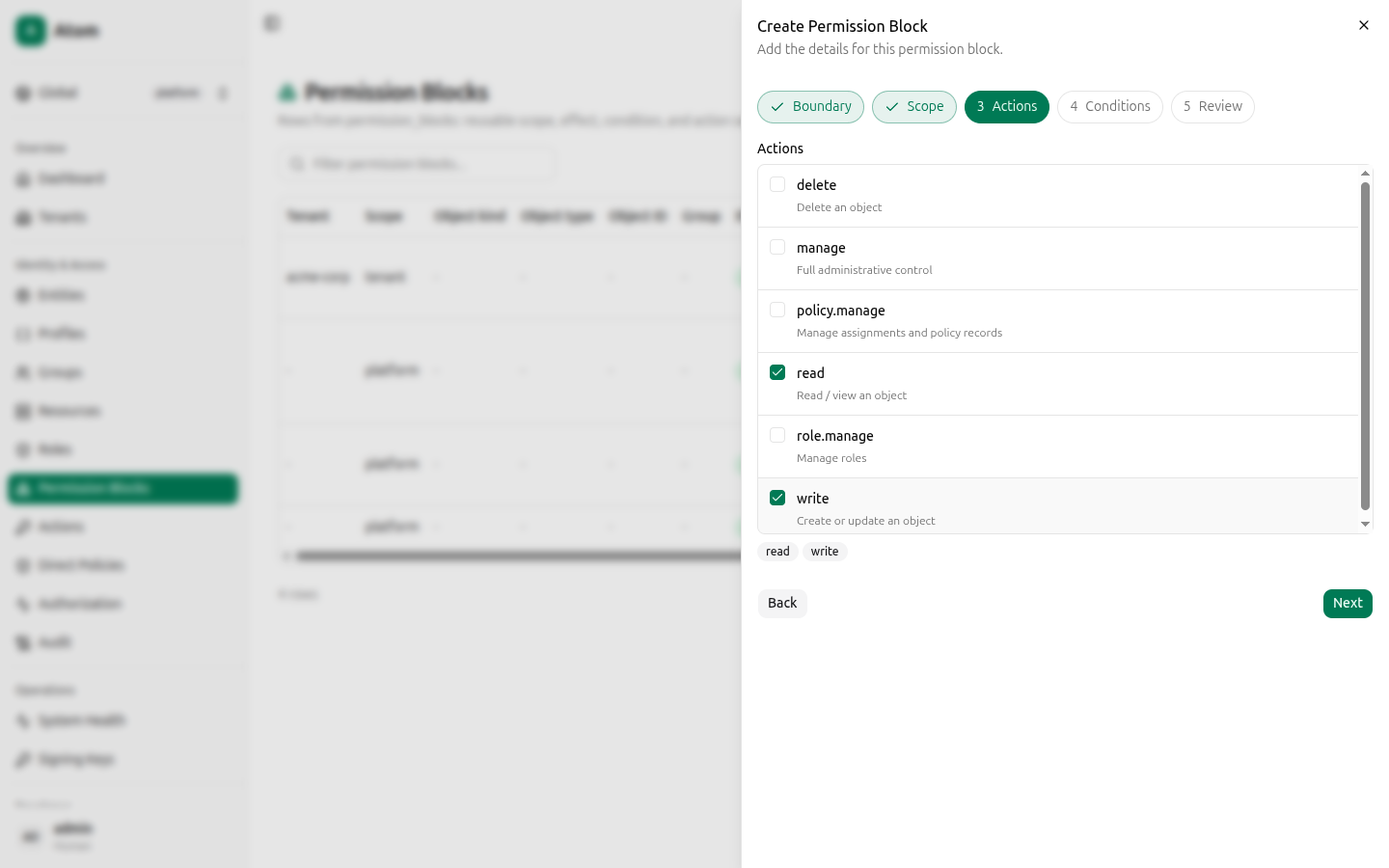
Step 3 — Actions
Check every action this block should grant (or deny). The list is filtered to actions with an Action Applicability row matching the object kind/type you selected in Step 2 — if an action you expect is missing, add its applicability row first.
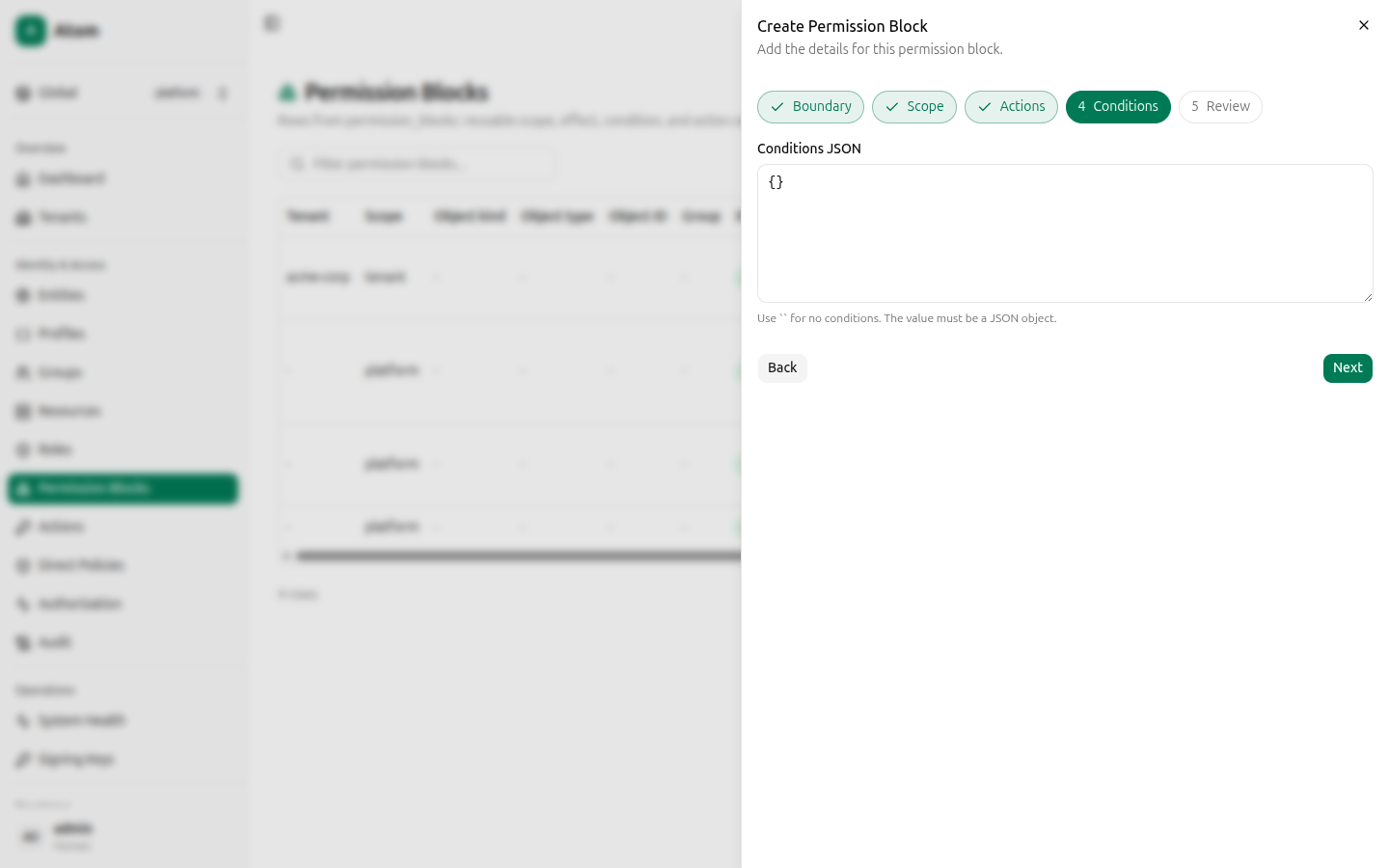
Step 4 — Conditions
Optional ABAC conditions as a JSON object. Leave {} for an unconditional grant. See
ABAC for the condition schema.
Step 5 — Review
A summary of every field before you commit: TENANT_ID, SCOPE_MODE, OBJECT_KIND, OBJECT_TYPE, OBJECT_ID, GROUP_ID, EFFECT, ACTIONS, CONDITIONS.
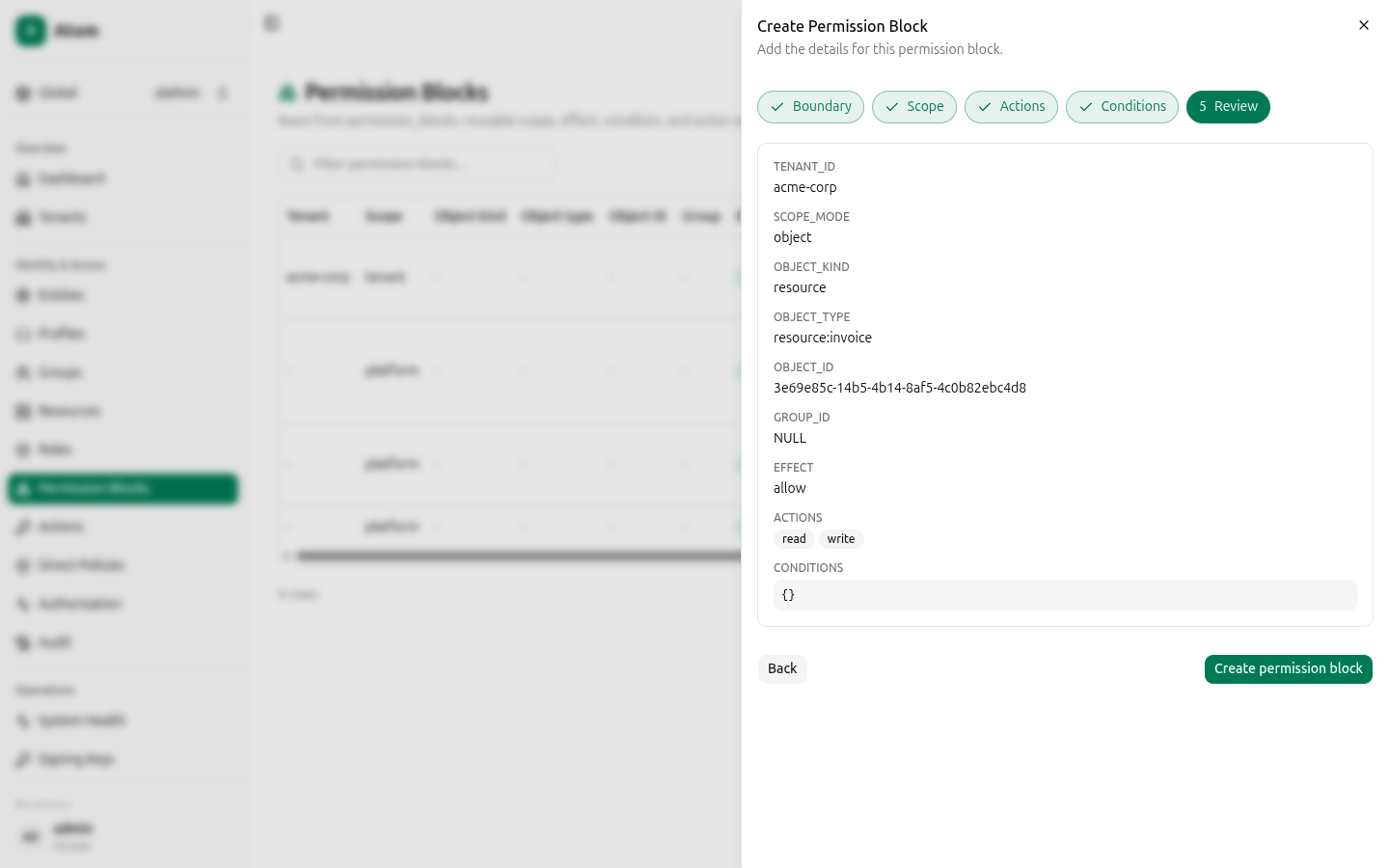
Click Create permission block.
Row actions
- Inspect — view the full record.
- Delete — remove the block. Any role or direct policy still referencing it will lose that grant.
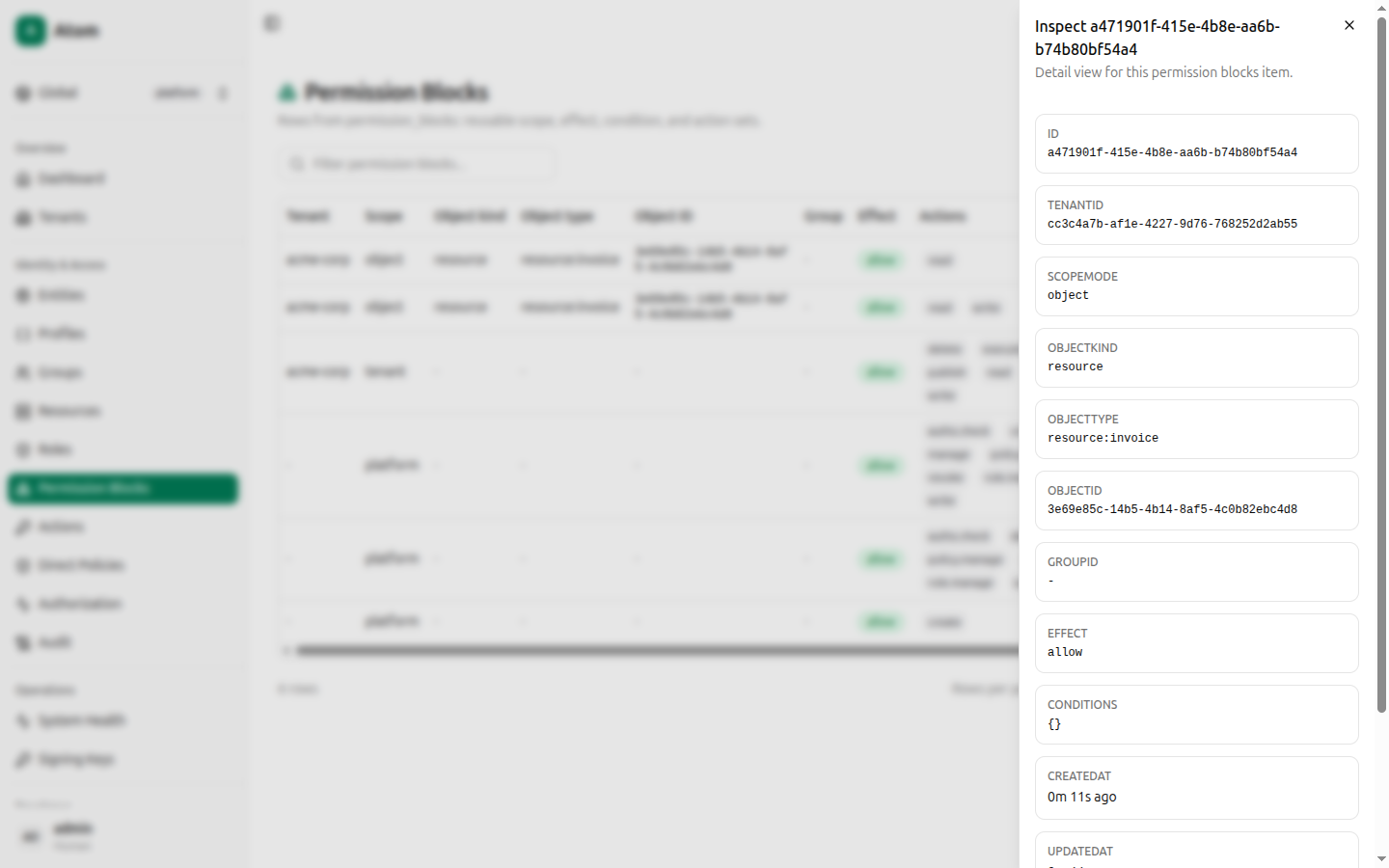
Inspect
Shows every field from the wizard as read-only fields, plus the resolved ACTIONS array with each action's own ID.
Where permission blocks are used
- Roles attach one or more permission blocks, so a single role can carry several distinct grants.
- Direct Policies attach exactly one permission block to exactly one subject — a narrower, more auditable shortcut than assigning a full role.
- The Authorization debugger's decision explanation shows the exact permission block(s) that were matched or skipped for a given request.