Groups
Object Groups define where access applies; Principal Groups collect identities that receive assignments.
Groups (/groups) come in two flavors, distinguished by Group type:
- Object groups scope where access applies — for example, "every device at Plant A." Permission block scope modes like Direct objects in object group and Objects in subgroups (see Permission Blocks) target an object group.
- Principal groups collect who receives access — for example, "the operators who should
inherit the plant-operator role." Atom seeds one principal group,
authenticated-users, for all authenticated human users.
Groups can nest: a group can have a Parent group, and Principal Group nesting extends inherited role assignments down to child groups and their members.
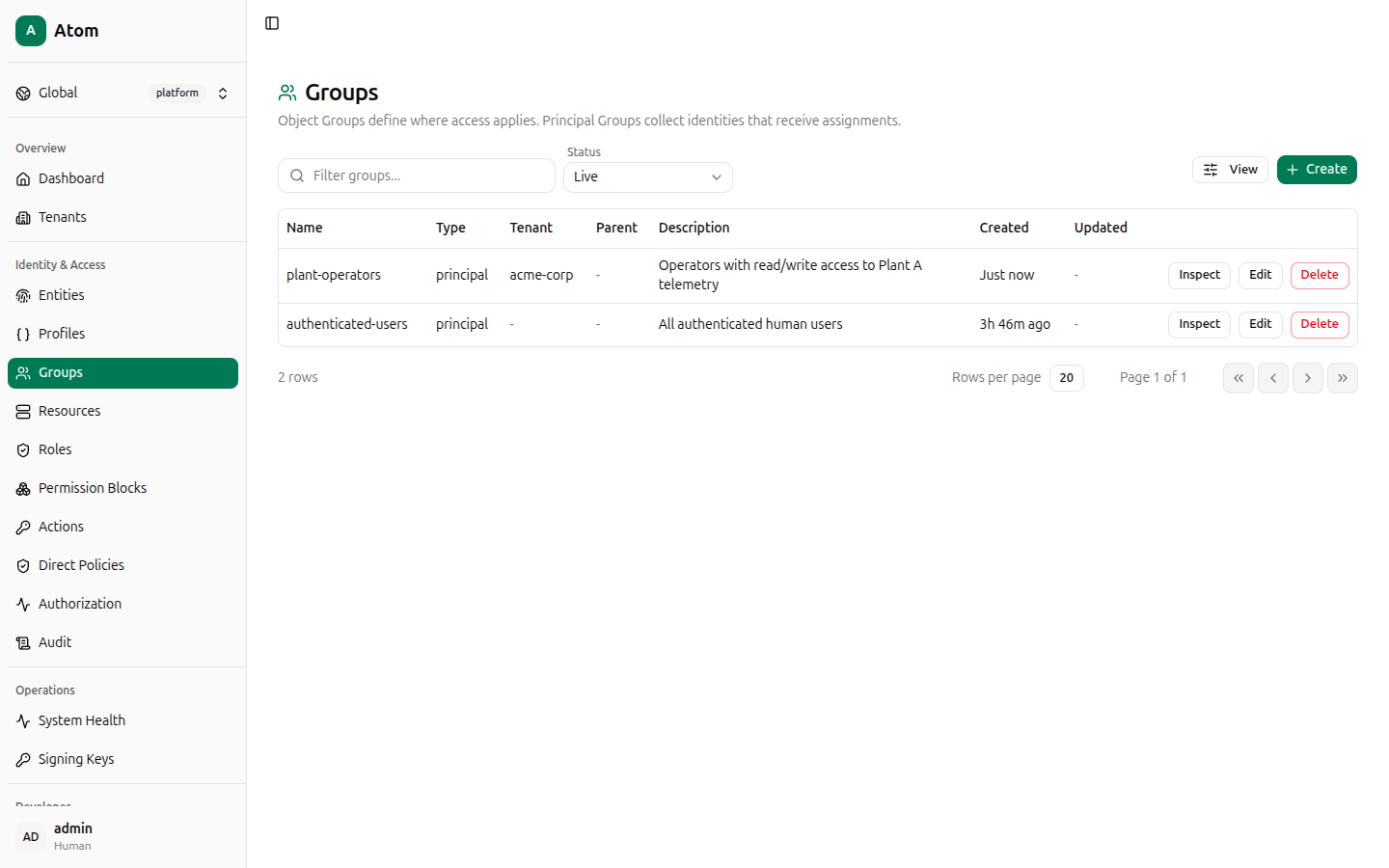
Groups table
Columns: Name, Type, Tenant, Parent, Description, Created, Updated.
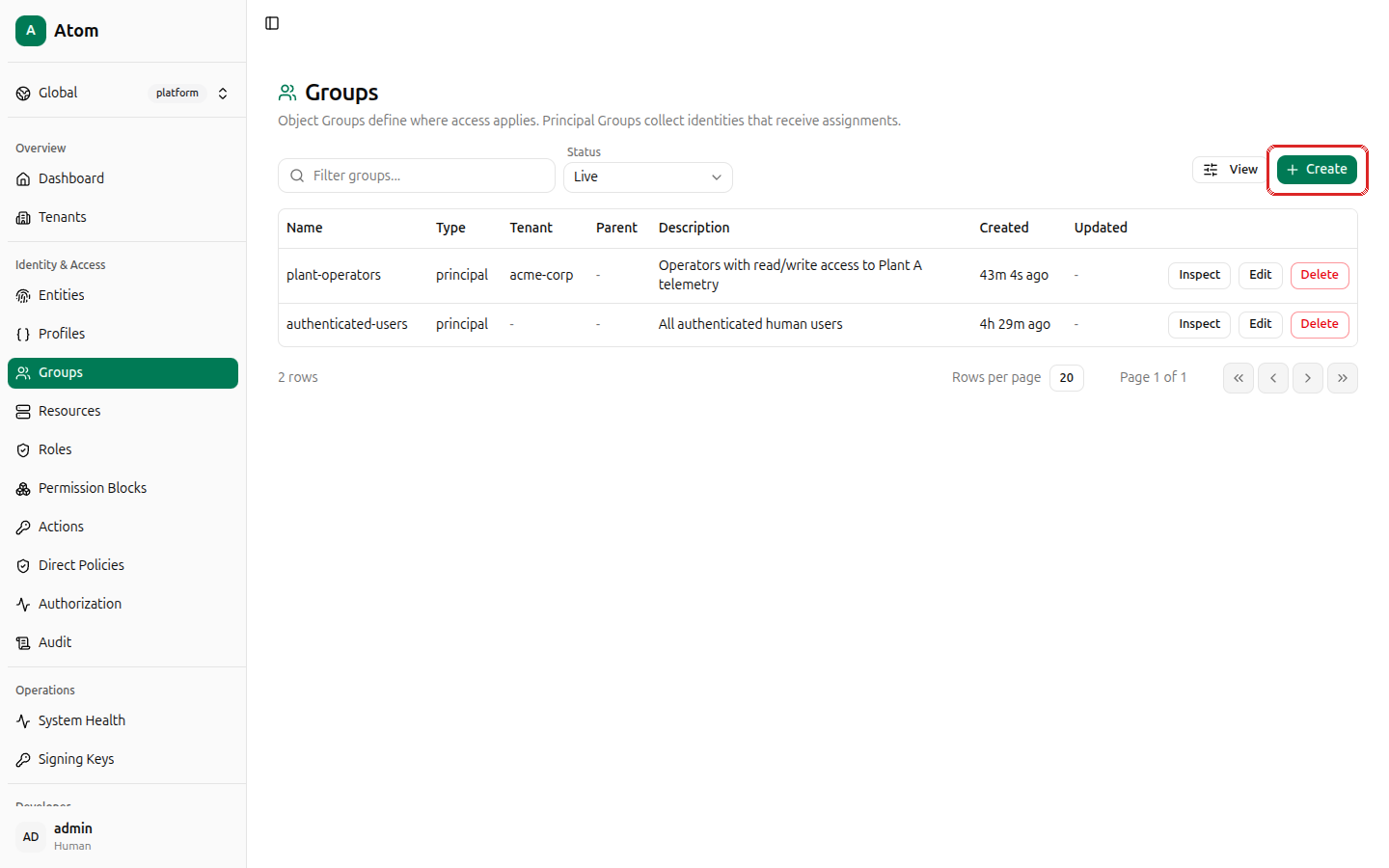
Create a group
Click + Create.
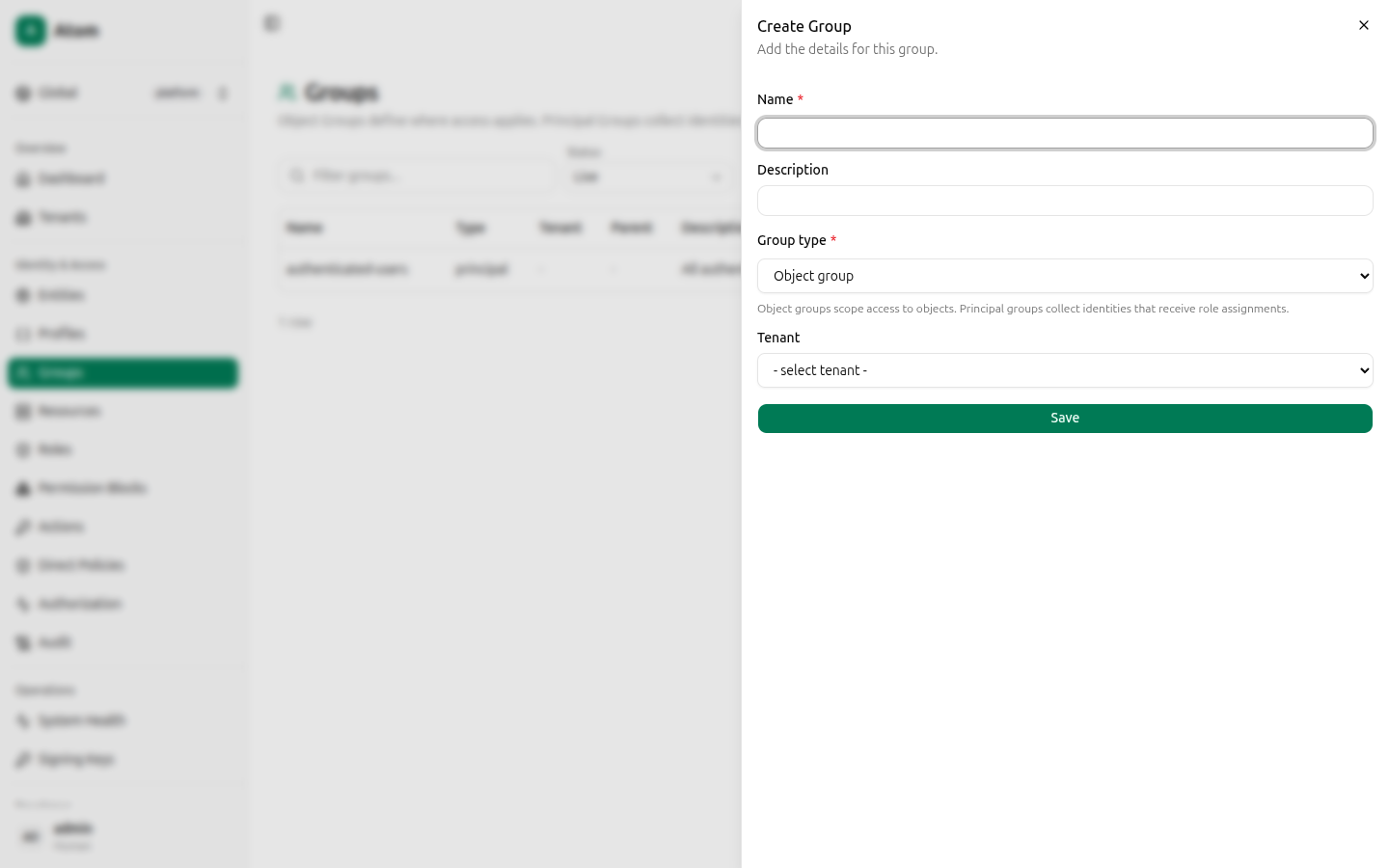
Fields:
- Name (required).
- Description.
- Group type — Object group or Principal group.
- Tenant — required; select the tenant this group belongs to.
Click Save.
Row actions
- Inspect — view details and manage members.
- Edit — change name, description, or parent.
- Delete — remove the group.
Inspect and members
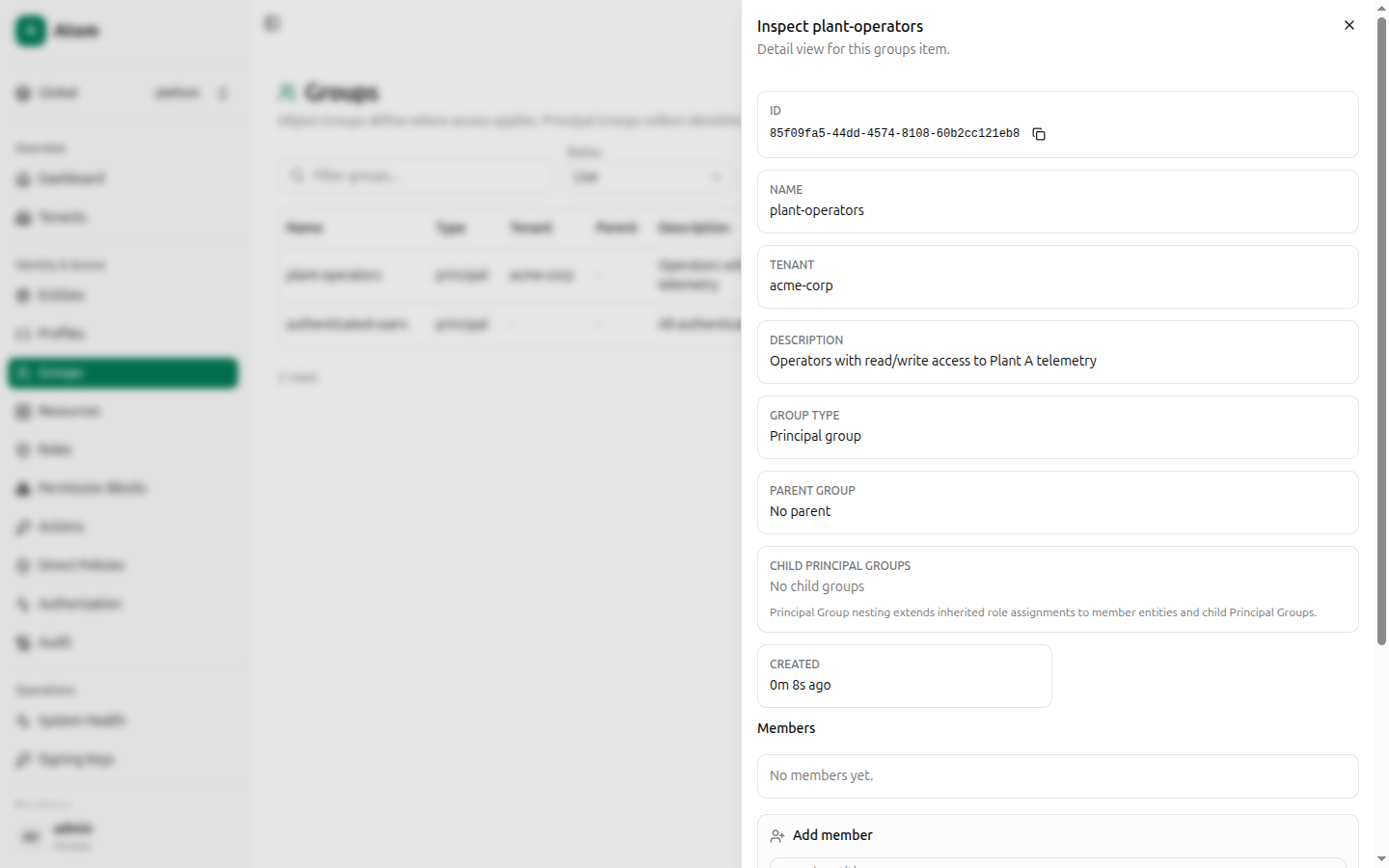
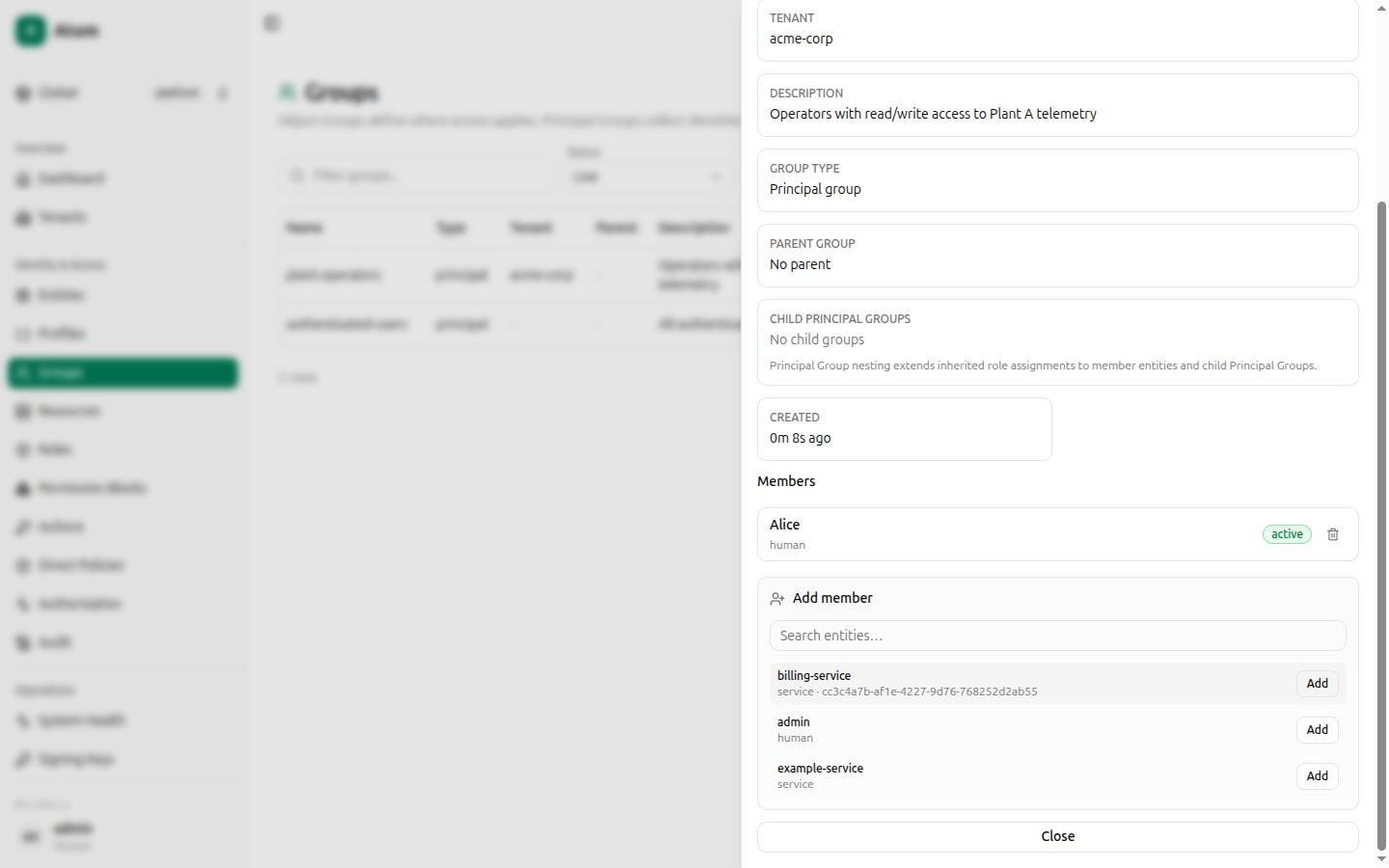
The inspect dialog shows ID, Name, Tenant, Description, Group type, Parent group, Child principal groups, and Created, followed by a Members section.
A new group has no members yet. Search the entity list below the members table and click Add next to any entity to add it.
Once added, a member row shows its name, kind, status, and a Remove button.
How groups connect to access control
Groups themselves grant nothing — they're referenced by other records:
- A permission block's Scope mode can target an object group directly (Object group itself), its direct contents (Direct objects in object group), or everything under it (Objects in subgroups), as well as child groups themselves (Direct child object groups, Descendant object groups).
- Principal groups are the mechanism the Authorization debugger
refers to when a decision explanation says a role was inherited "through principal group
authenticated-users" — role-to-principal-group assignments in the current UI build are managed through the GraphQL API rather than a dedicated screen; see Direct Policies for the UI-native way to grant access to a specific entity today.