Roles
Named collections of permission blocks assigned to entities or principal groups.
Roles (/roles) wrap one or more permission blocks under
one reusable name — for example invoices-reader bundling a single read-only block, or
tenant-admin bundling the full administrative set Atom creates automatically for every new
tenant.
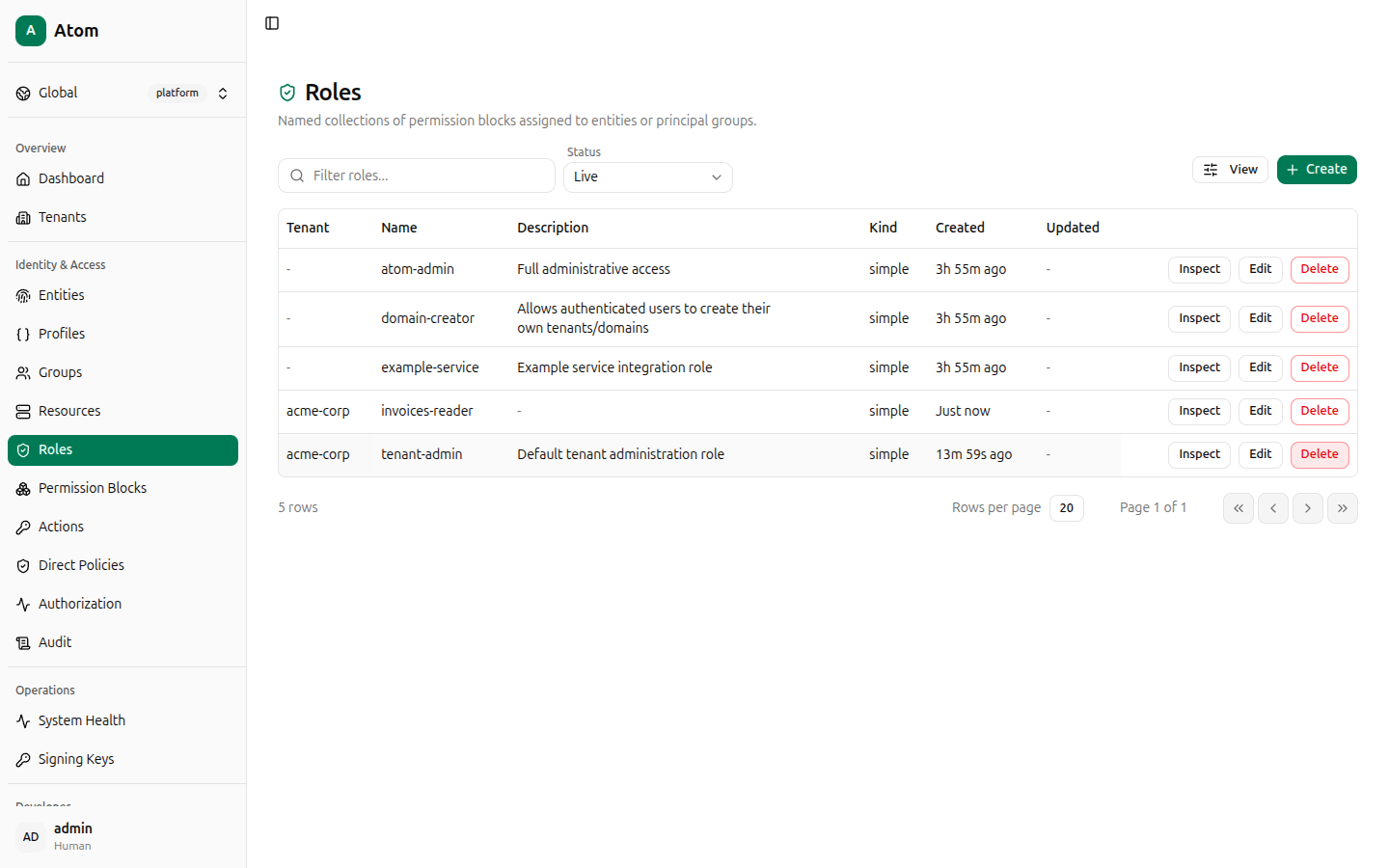
Roles table
Columns: Tenant, Name, Description, Kind (currently always simple),
Created, Updated. Atom seeds atom-admin, domain-creator, and example-service at
the platform level, and a tenant-admin role for every tenant you create.
Create a role
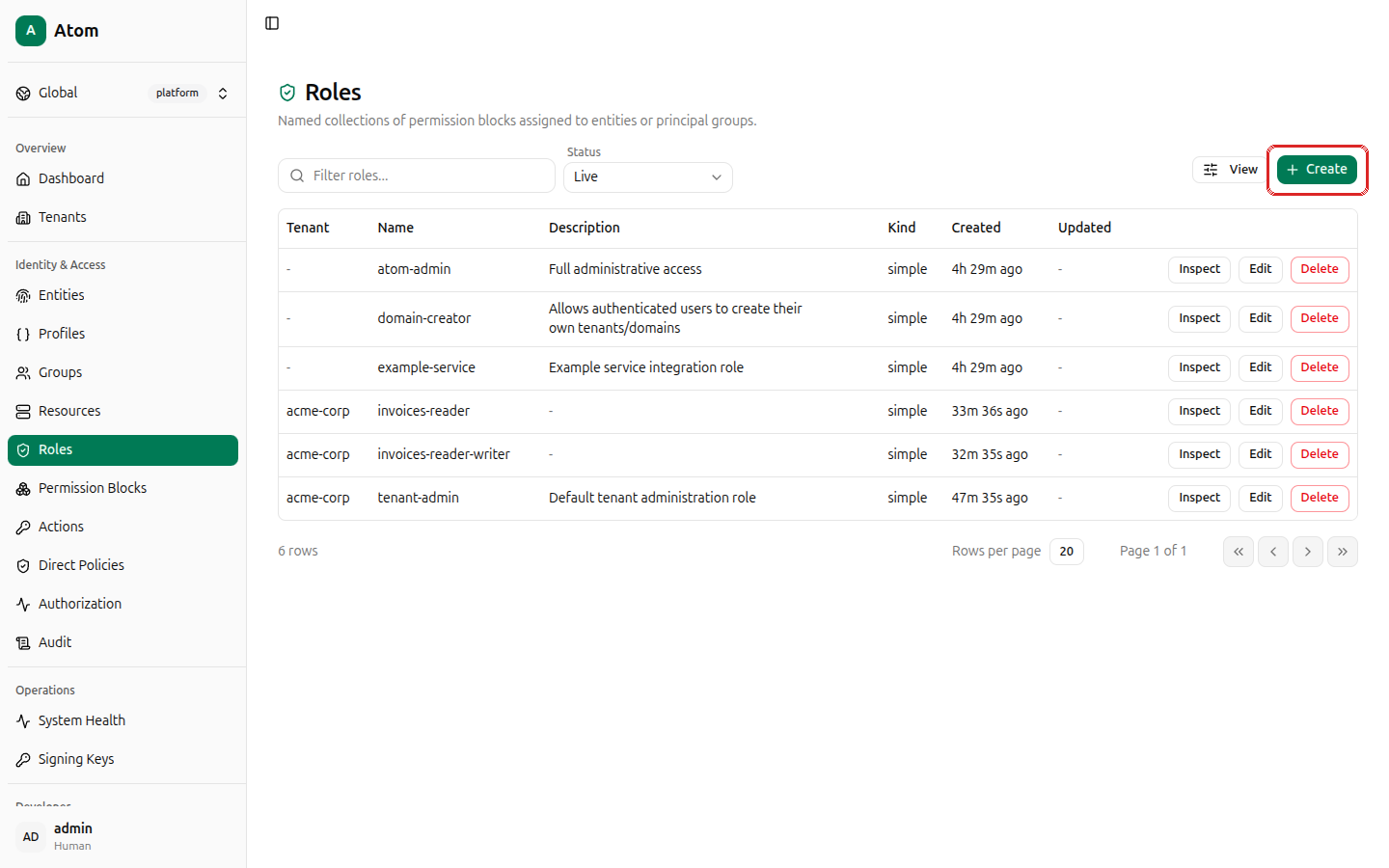
Click + Create.
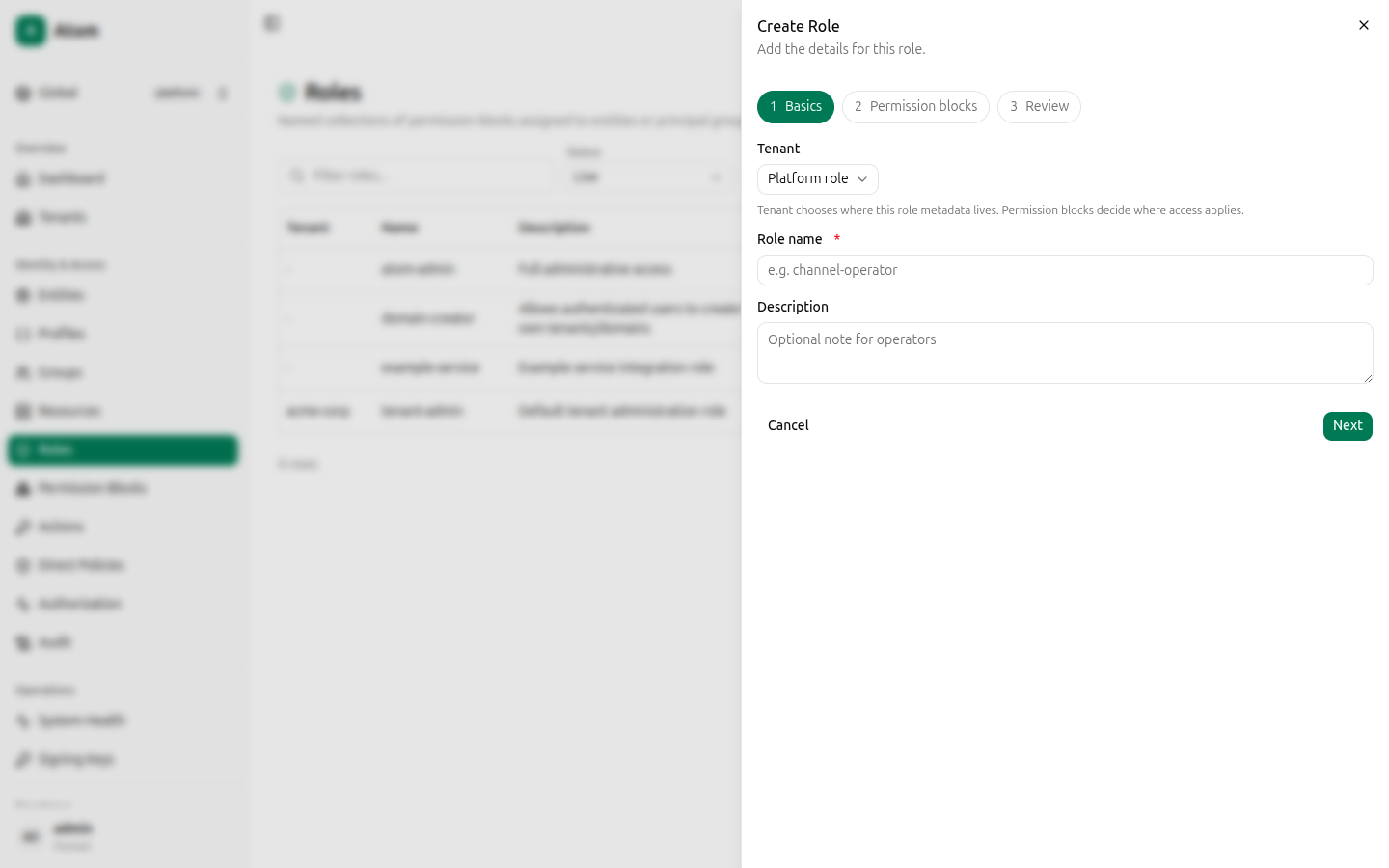
This is a 3-step wizard: Basics, Permission blocks, Review.
Step 1 — Basics
- Tenant — Platform role or a specific tenant. This only decides where the role's metadata lives; the permission blocks you attach decide where access actually applies.
- Role name (required).
- Description — optional.
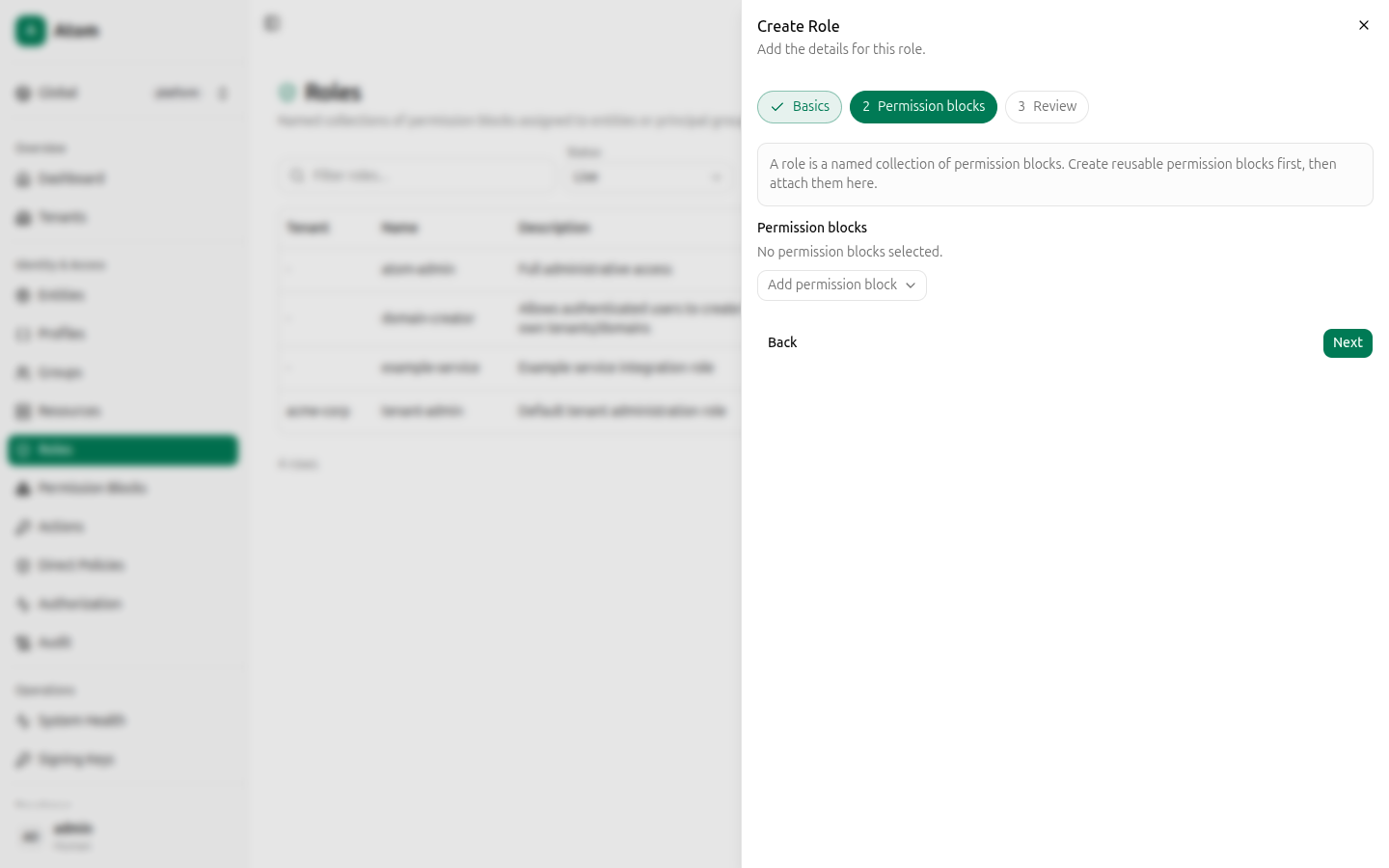
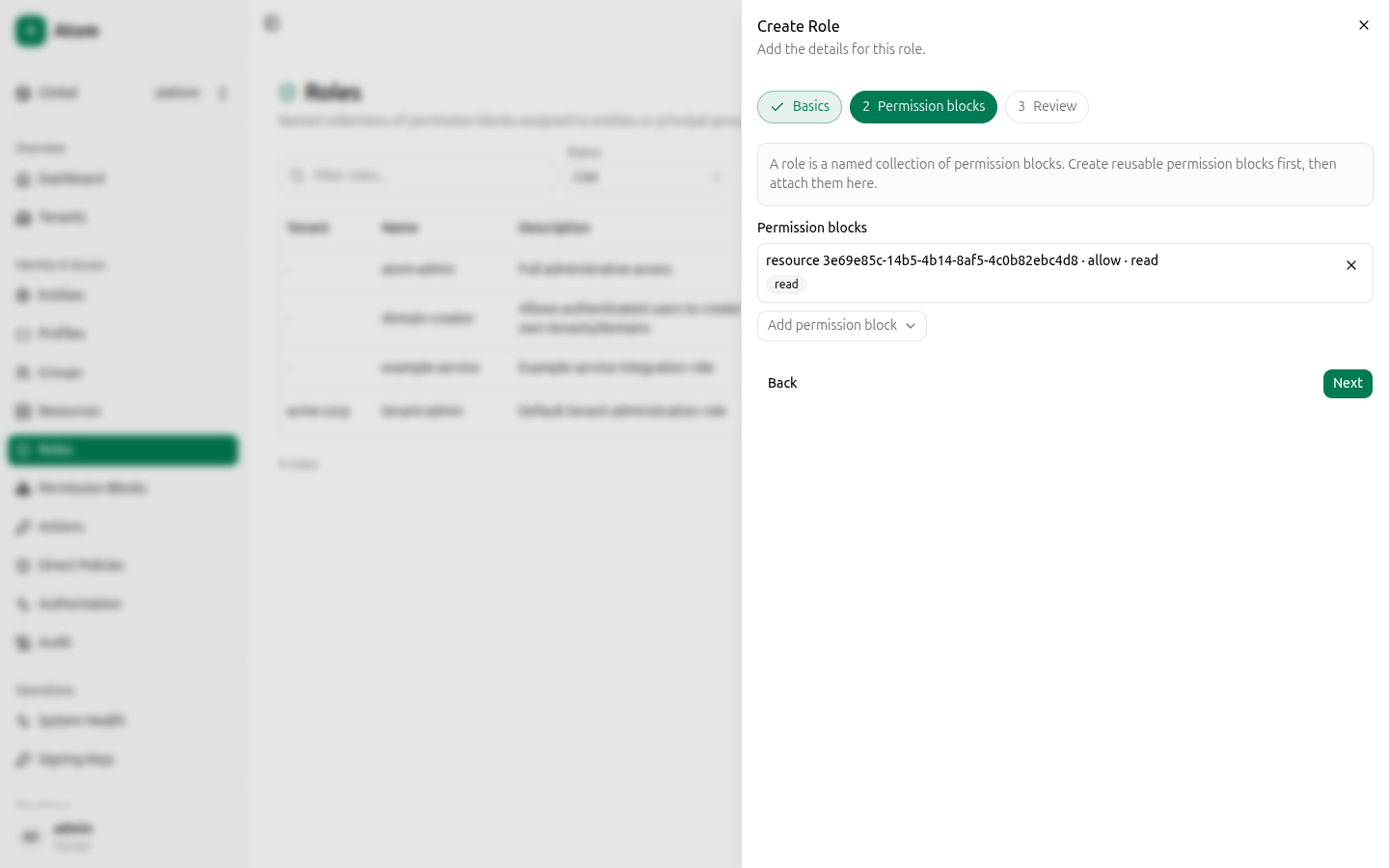
Step 2 — Permission blocks
Use the Add permission block dropdown to attach one or more existing blocks. Each option
in the dropdown summarizes its scope and actions (for example
resource <id> · allow · read, write), so you can identify the right one without leaving the
wizard.
Once attached, a block shows its action chips and a remove button:
Step 3 — Review
Confirms Tenant, Name, Description, and the attached Permission blocks before you commit.
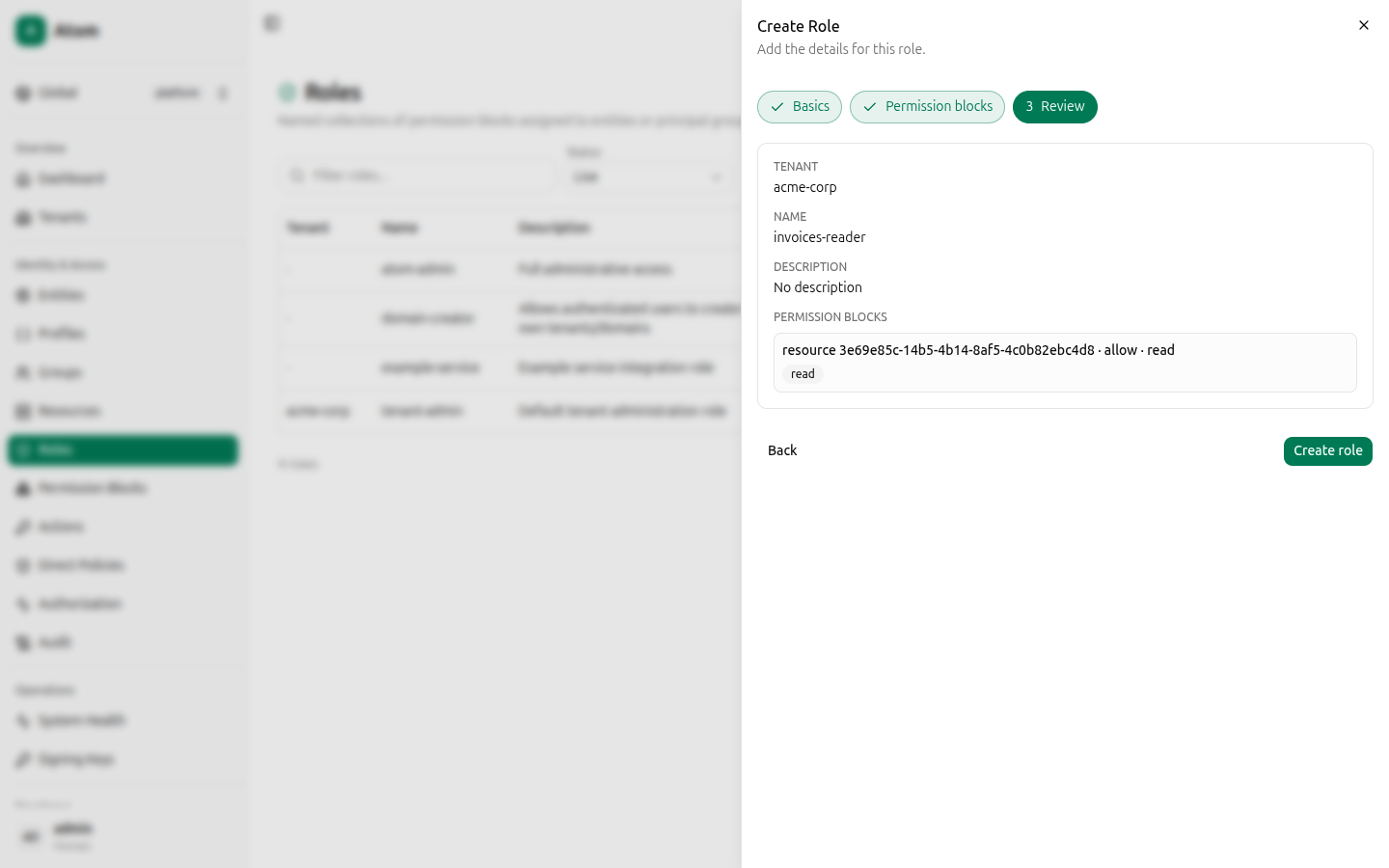
Click Create role.
Row actions
- Inspect — view the role and its attached blocks and principals.
- Edit — change name, description, or tenant.
- Delete — remove the role.
Inspect
Shows ID, Name, Tenant, Derived kind, Created, the full list of Permission blocks attached (with their effect, scope, and actions), and a Principals count with the list of entities/groups the role is assigned to.
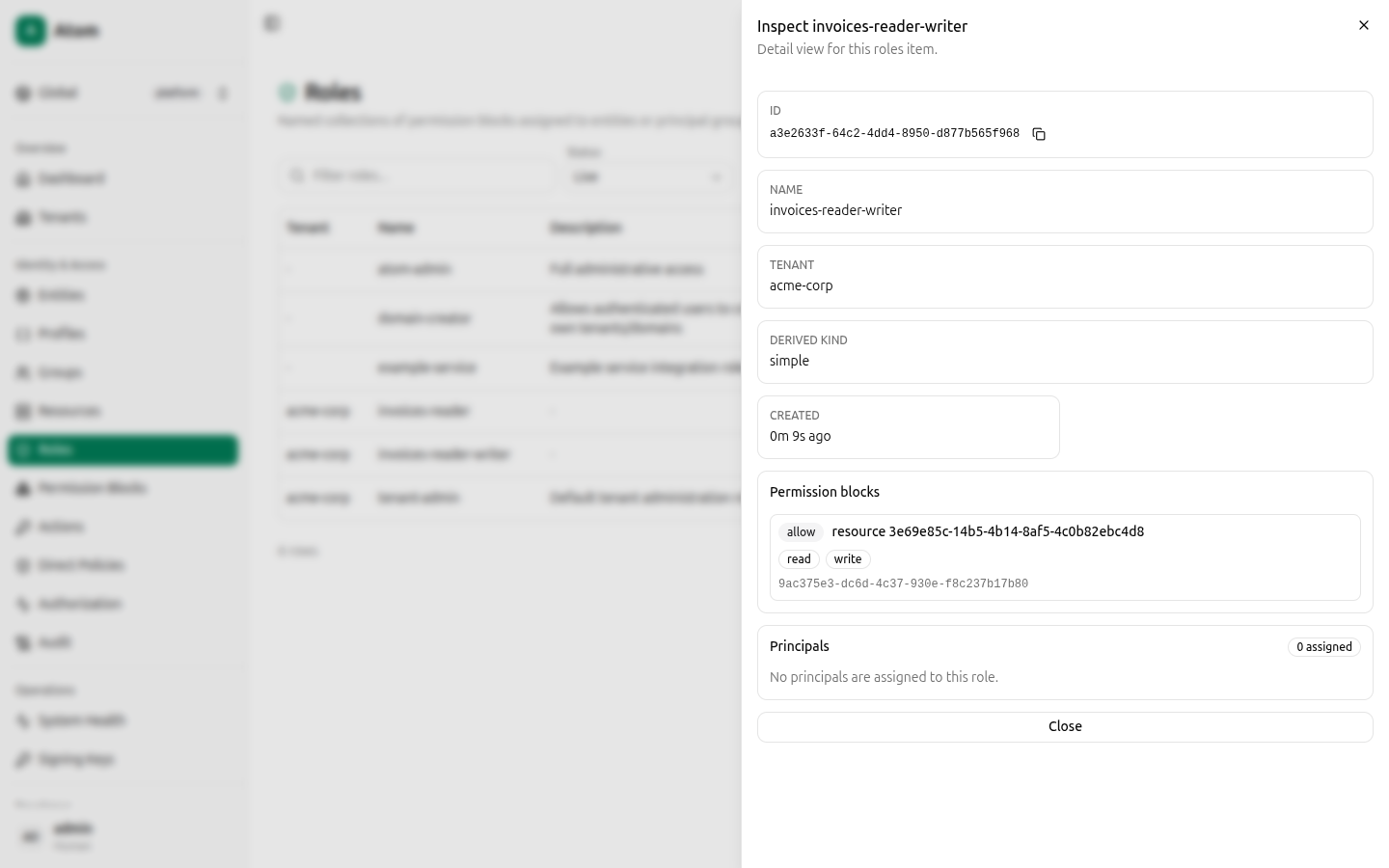
The current Atom Next UI build doesn't expose a dedicated "assign this role to an entity"
screen — the Principals section on this page is read-only. To grant a specific entity
access today, use Direct Policies, which binds a permission
block straight to a subject through the UI. Role-to-principal assignments (createRoleAssignment)
are available through the GraphQL API and Playground — see
Quickstart for an example mutation.
Roles vs. Direct Policies
Both ultimately grant a permission block to a subject, but they differ in intent:
- A role is meant to be reusable and assignable to many principals or principal groups at
once (
channel-operator,tenant-admin). - A direct policy is a one-off, auditable grant straight to a single subject — Atom's UI labels this "advanced" and recommends preferring role assignments for normal administration, reserving direct policies for exceptions.