Direct Policies
Advanced subject-to-permission-block grants — a shortcut around roles for one-off access.
Direct Policies (/policies) bind a single permission block
straight to a single subject (an entity or a group), bypassing roles
entirely. Atom's UI labels this section "advanced" — normal administration should prefer
assigning roles, and reserve direct policies for exceptions that don't warrant a reusable
role.
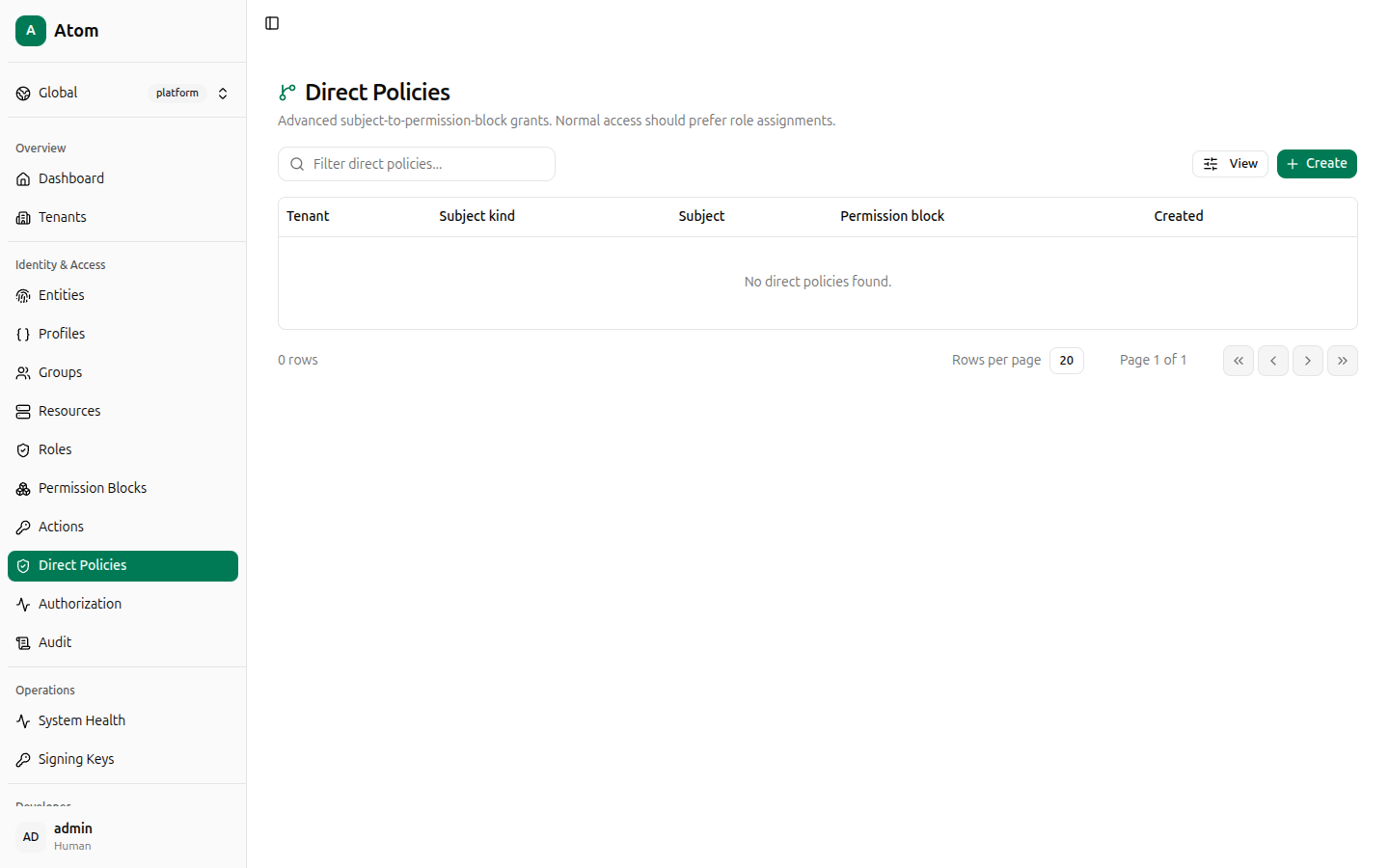
Direct Policies table
Columns: Tenant, Subject kind, Subject, Permission block, Created.
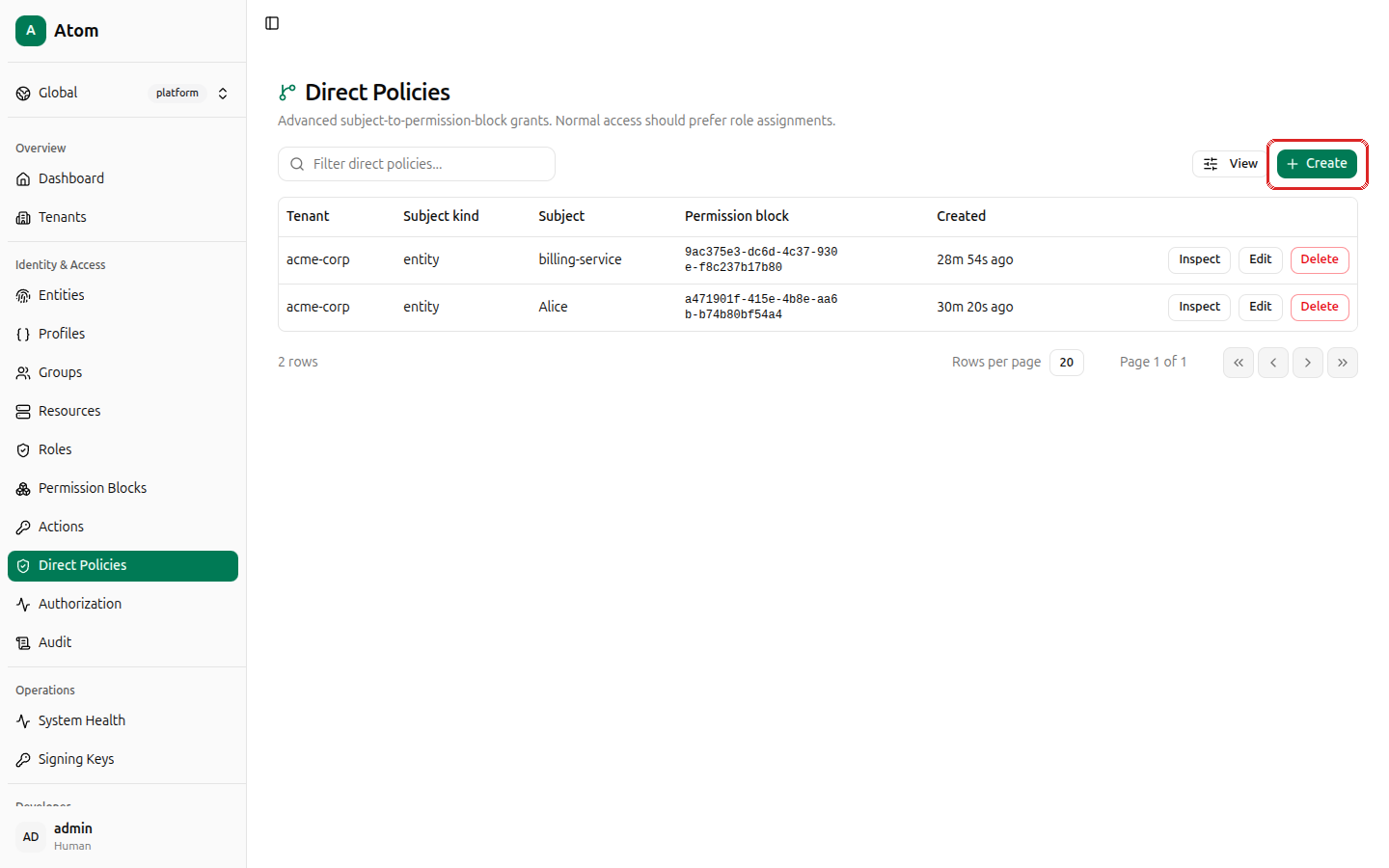
Create a direct policy
Click + Create.
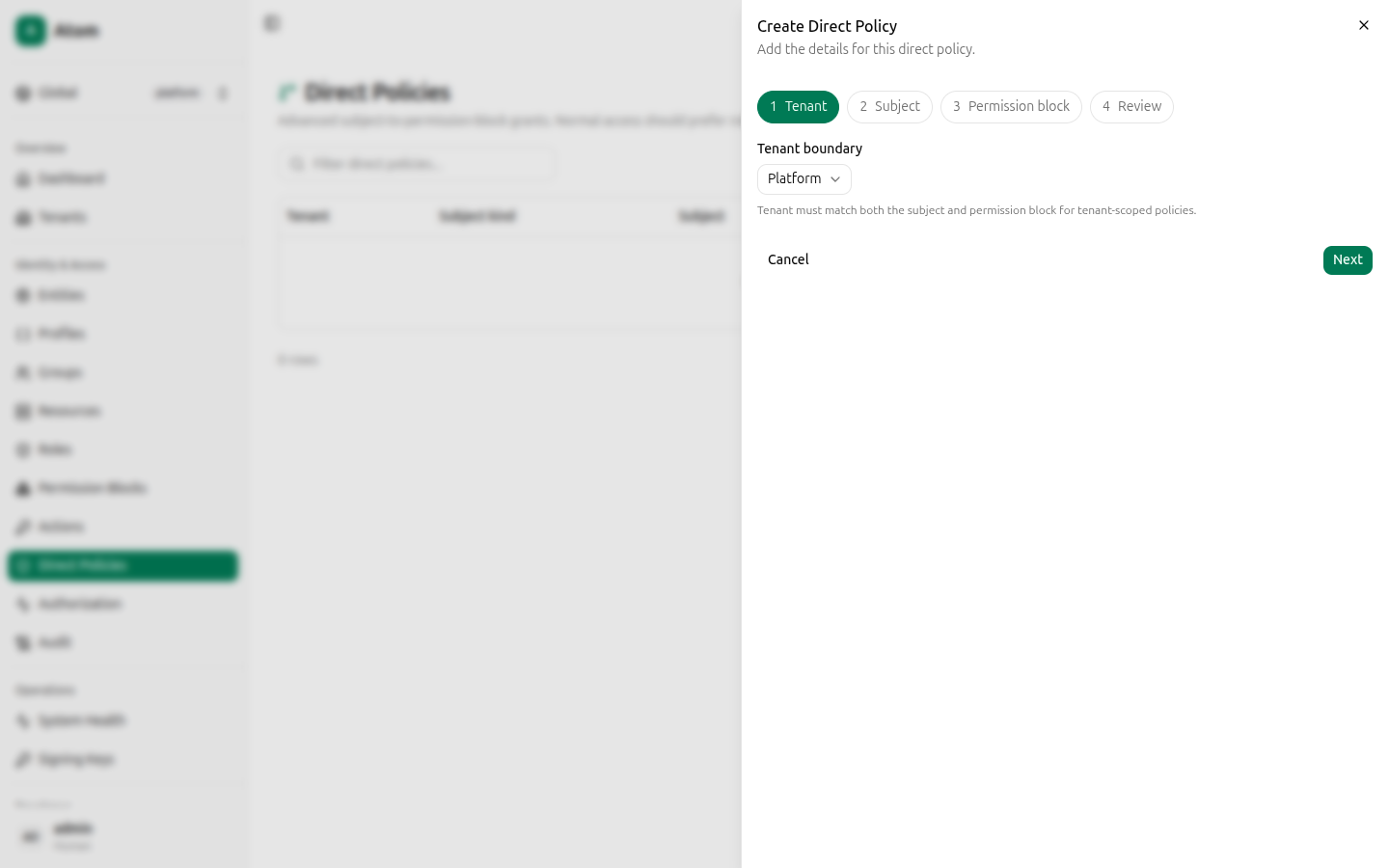
This is a 4-step wizard: Tenant, Subject, Permission block, Review.
Step 1 — Tenant
- Tenant boundary — Platform or a specific tenant. The tenant must match both the subject and the permission block for tenant-scoped policies.
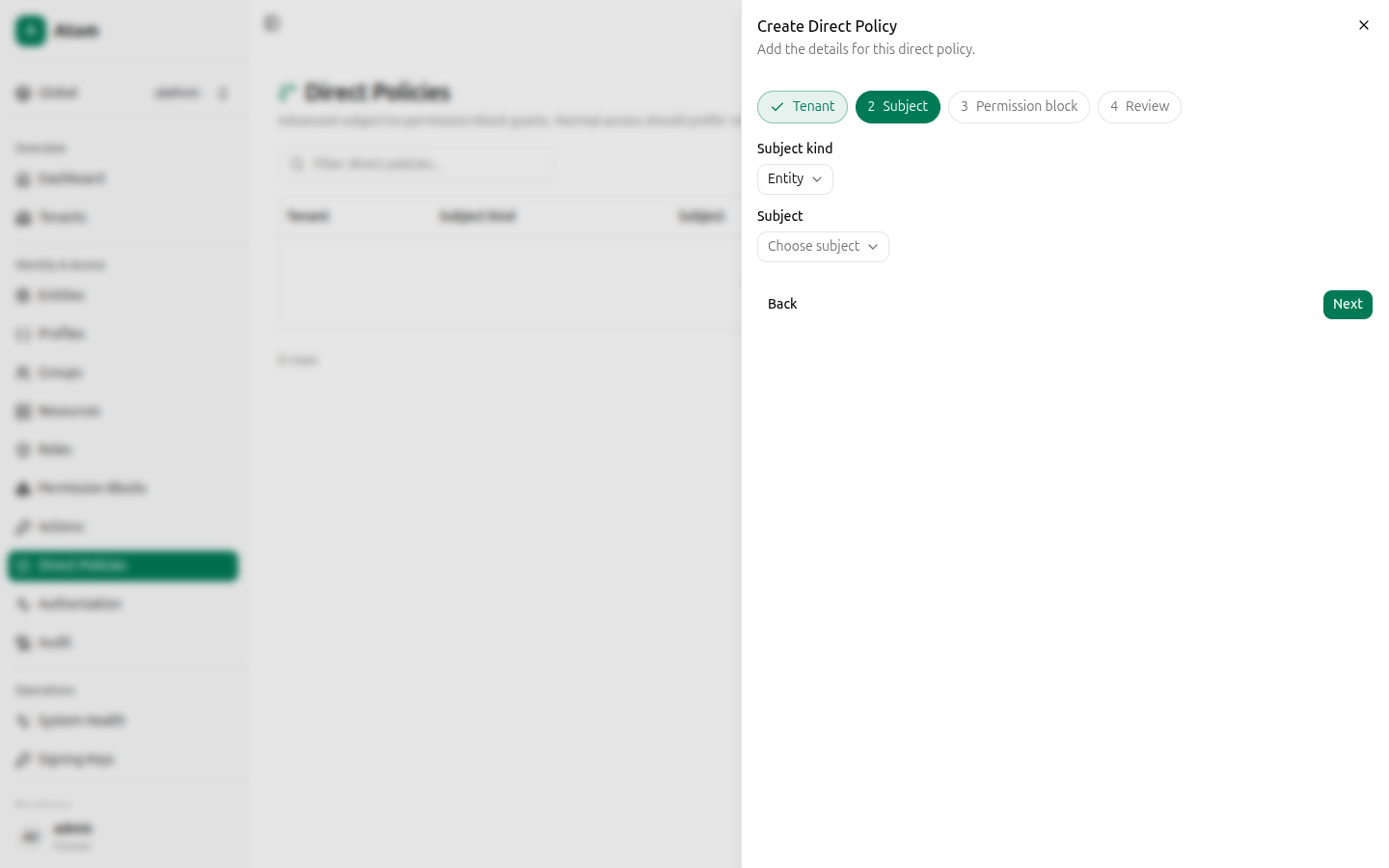
Step 2 — Subject
- Subject kind — currently
Entity. - Subject — a searchable dropdown of entities, scoped to the tenant chosen in Step 1.
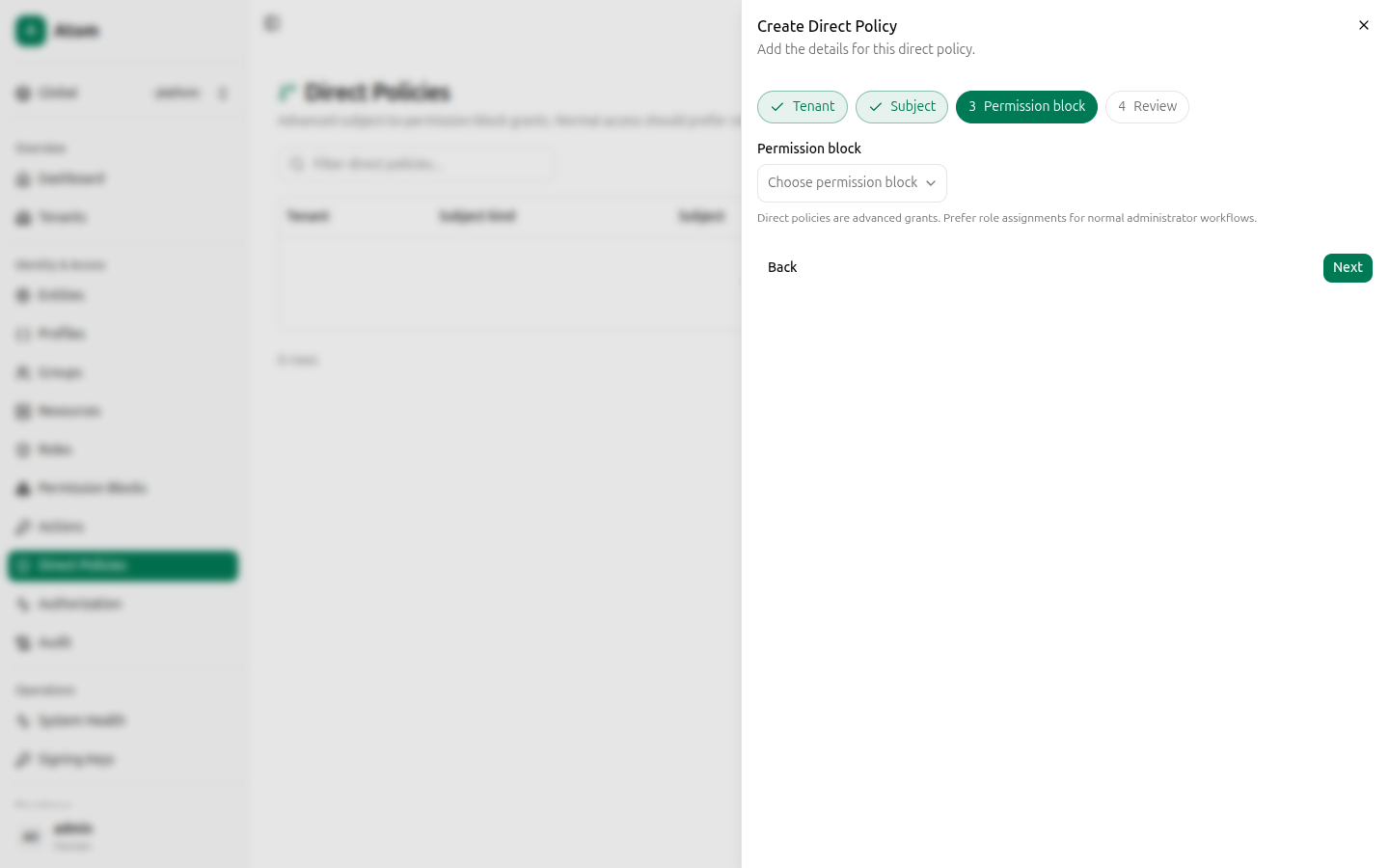
Step 3 — Permission block
Pick from existing blocks, summarized the same way as in the Roles wizard (scope and actions inline in the option label).
Step 4 — Review
Confirms Tenant, Subject, and Permission block (with its actions) before you commit.
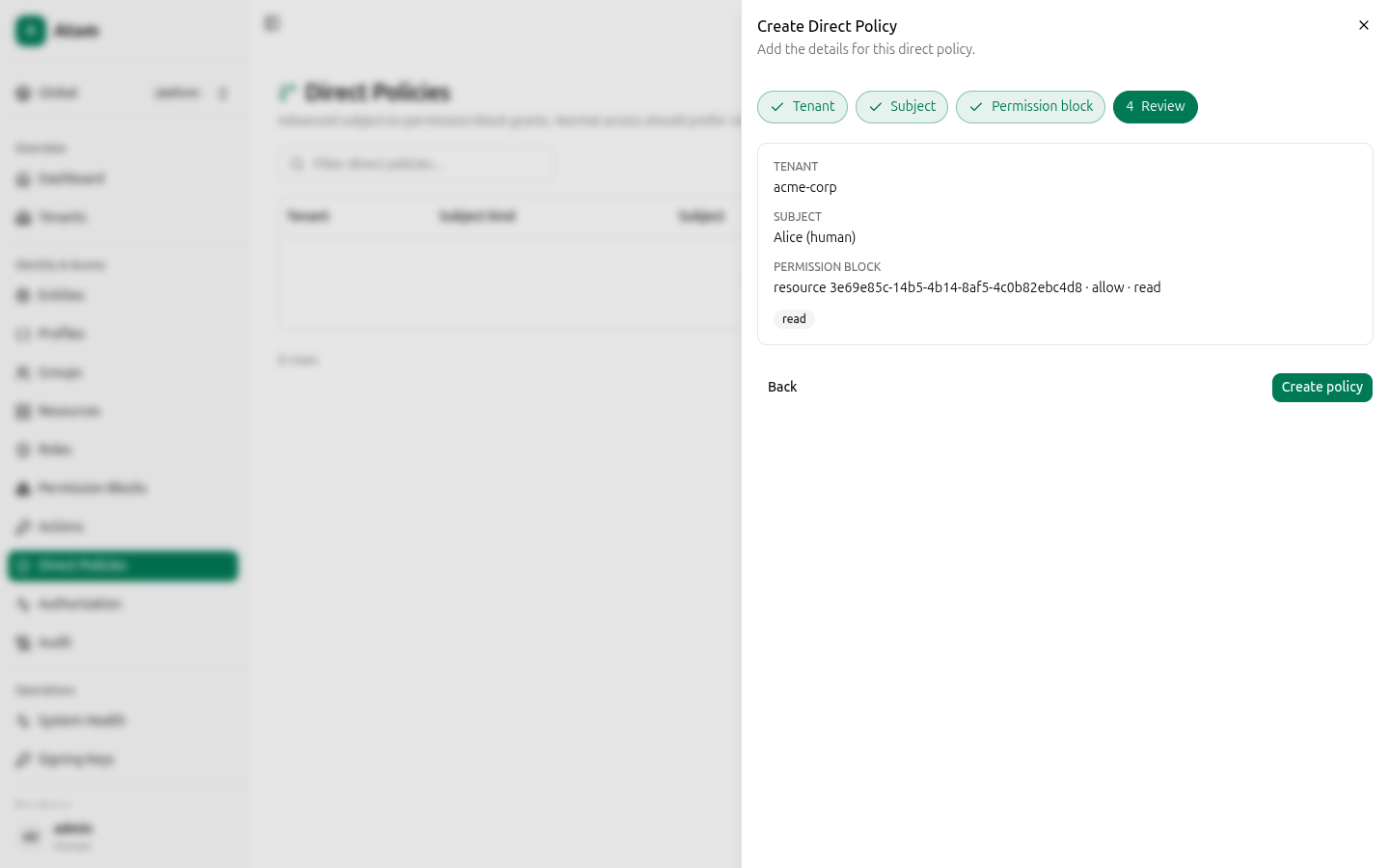
Click Create policy.
Row actions
- Inspect — view the resolved grant.
- Edit — change the subject or permission block.
- Delete — revoke the grant immediately.
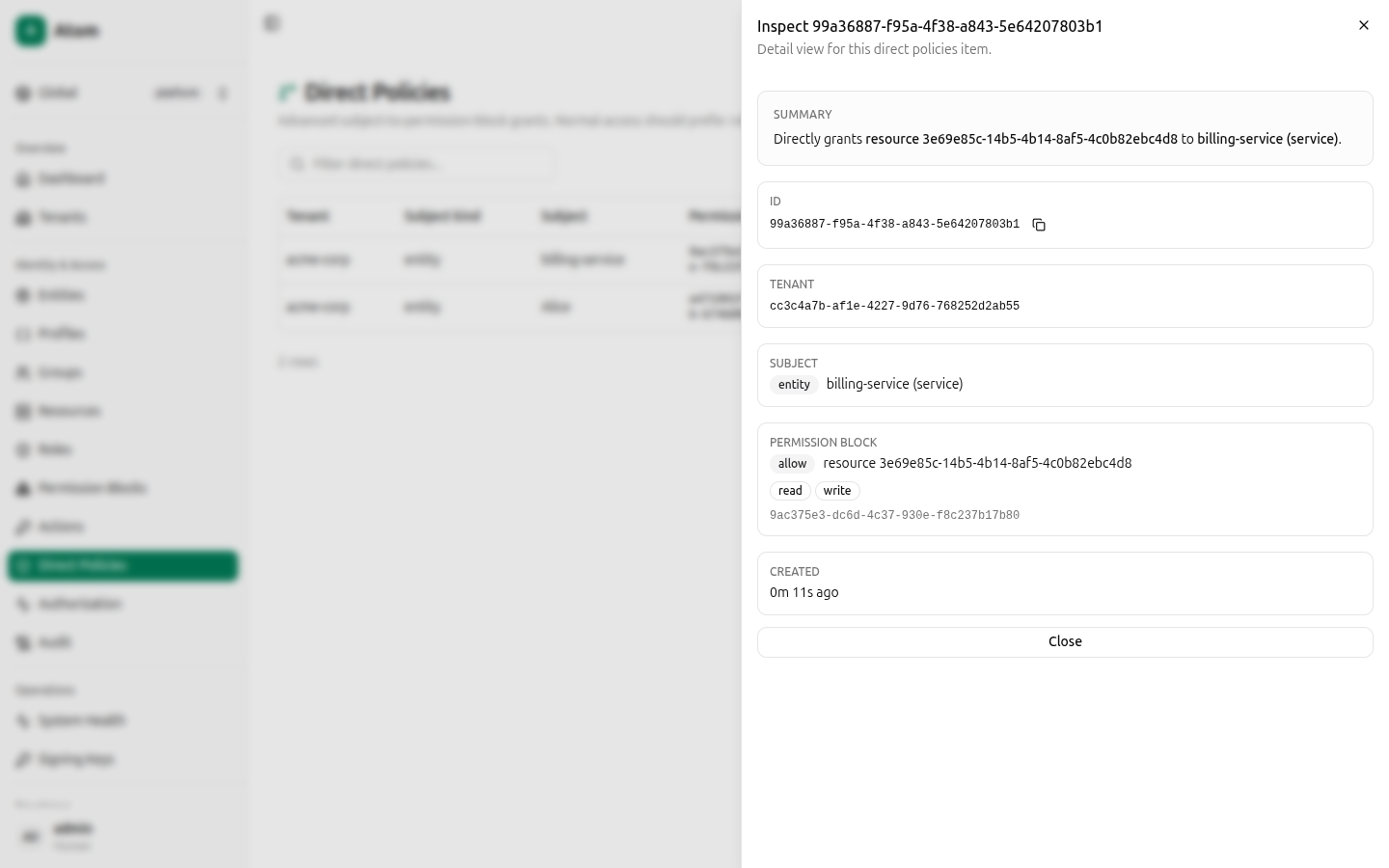
Inspect
Shows a plain-language Summary ("Directly grants resource <id> to billing-service (service)"), plus ID, Tenant, Subject, Permission block (with its effect and
actions), and Created.
Verifying a direct policy
After creating a policy, confirm it behaves as expected in Authorization — set Who to the subject you granted, Can do to one of the block's actions, and the Target to the scoped object. The decision explanation will cite the block VIA "Direct assignment or policy" when a direct policy (rather than an inherited role) is what matched.