Tenants
Top-level boundaries for entities, resources, groups, roles, and assignments.
Tenants (/tenants) are Atom's top-level isolation boundary. Every entity, resource,
group, role, and permission block can either live at the platform level (visible everywhere)
or be scoped to exactly one tenant.
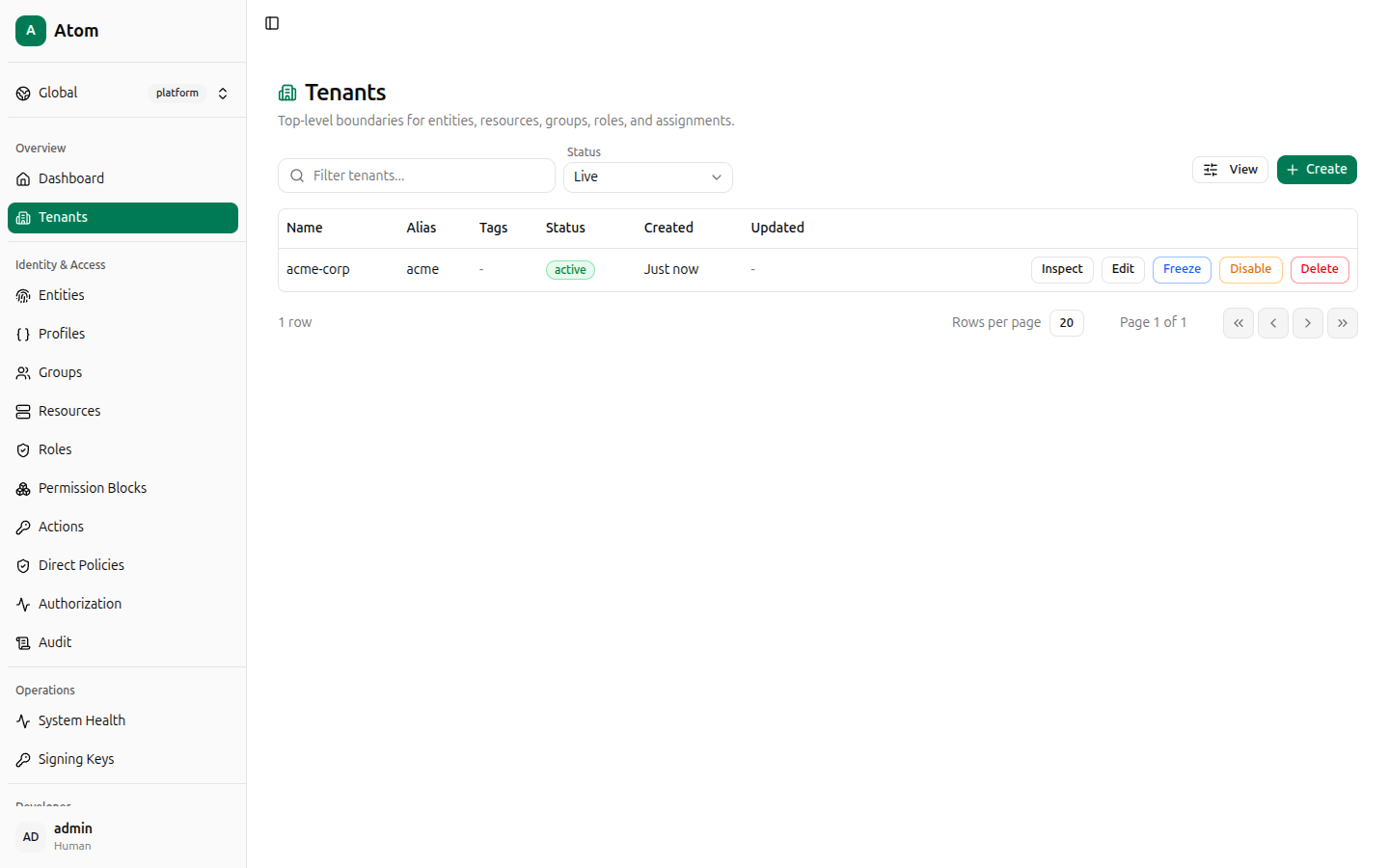
Tenants table
The table lists Name, Alias, Tags, Status, Created, and Updated. Use
the Filter tenants... search box and the Status dropdown (Live, plus disabled/frozen
states) to narrow the list, and View to choose which columns are visible.
Create a tenant
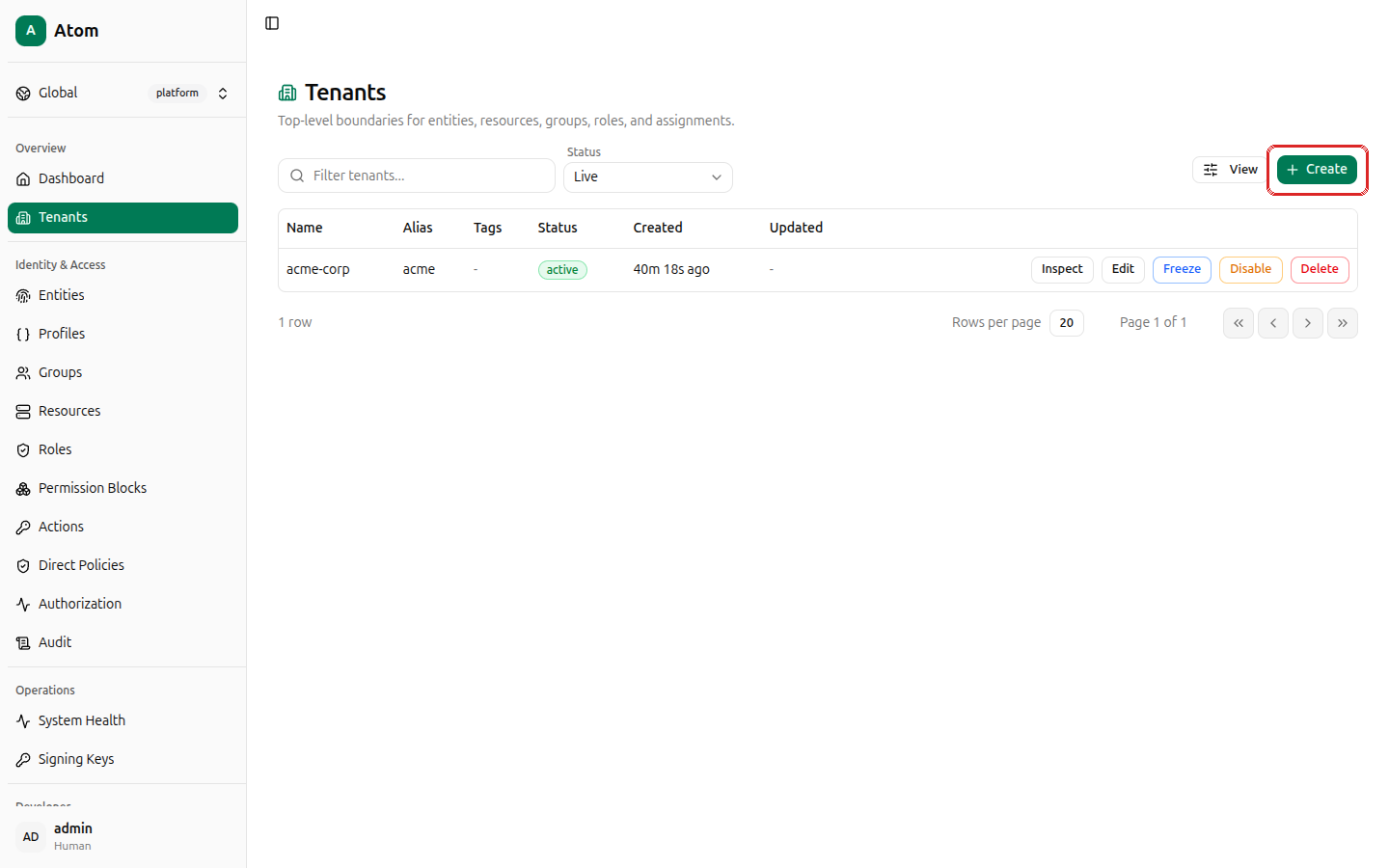
Click + Create in the top-right corner.
Fields:
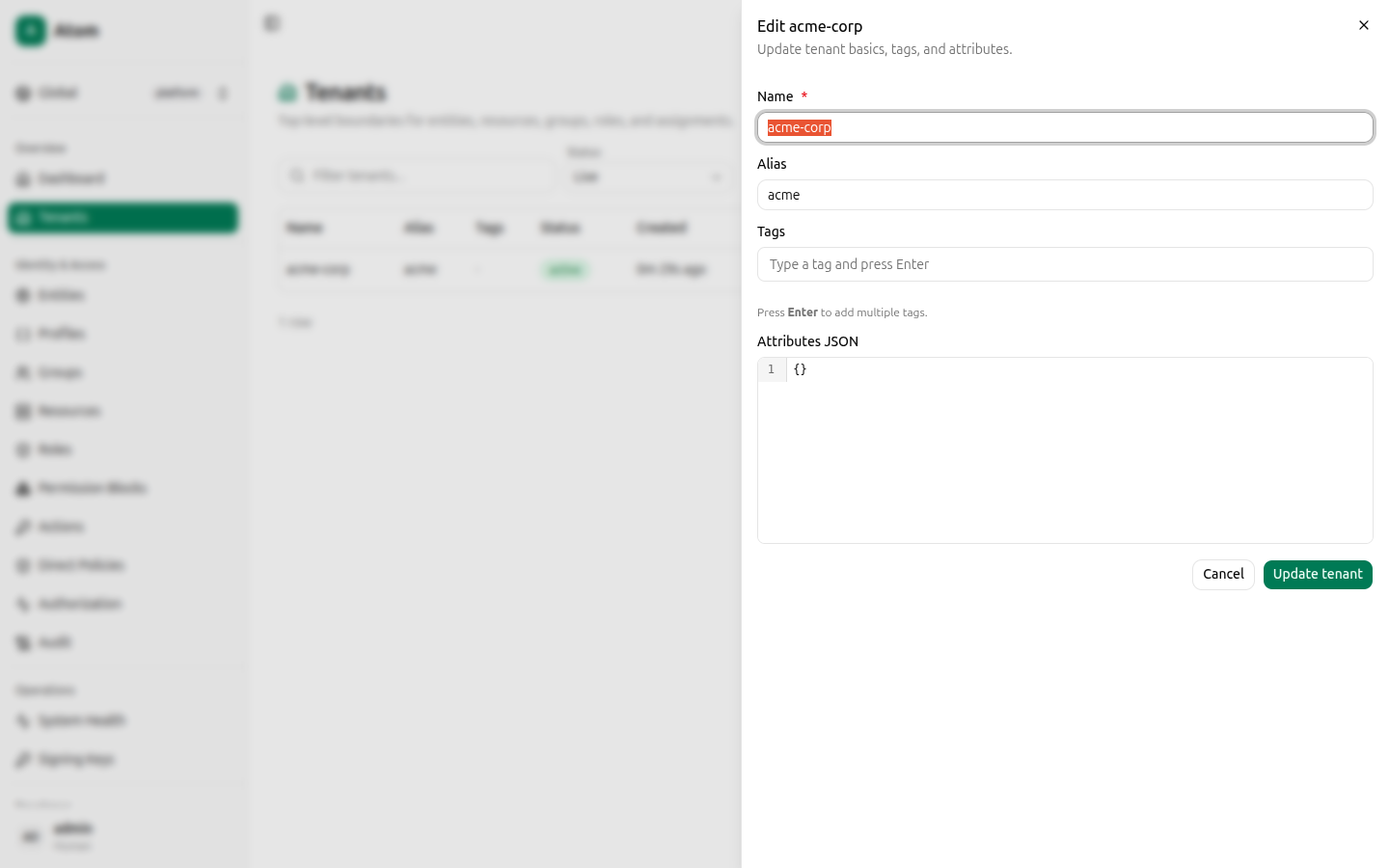
- Name (required) — the tenant's display name.
- Alias — a short, URL/reference-friendly identifier. Unlike some other Atom records where an alias-like field is fixed at creation, a tenant's alias can be edited later.
- Tags — press Enter after each tag to add it.
- Attributes JSON — free-form JSON metadata, defaults to
{}.
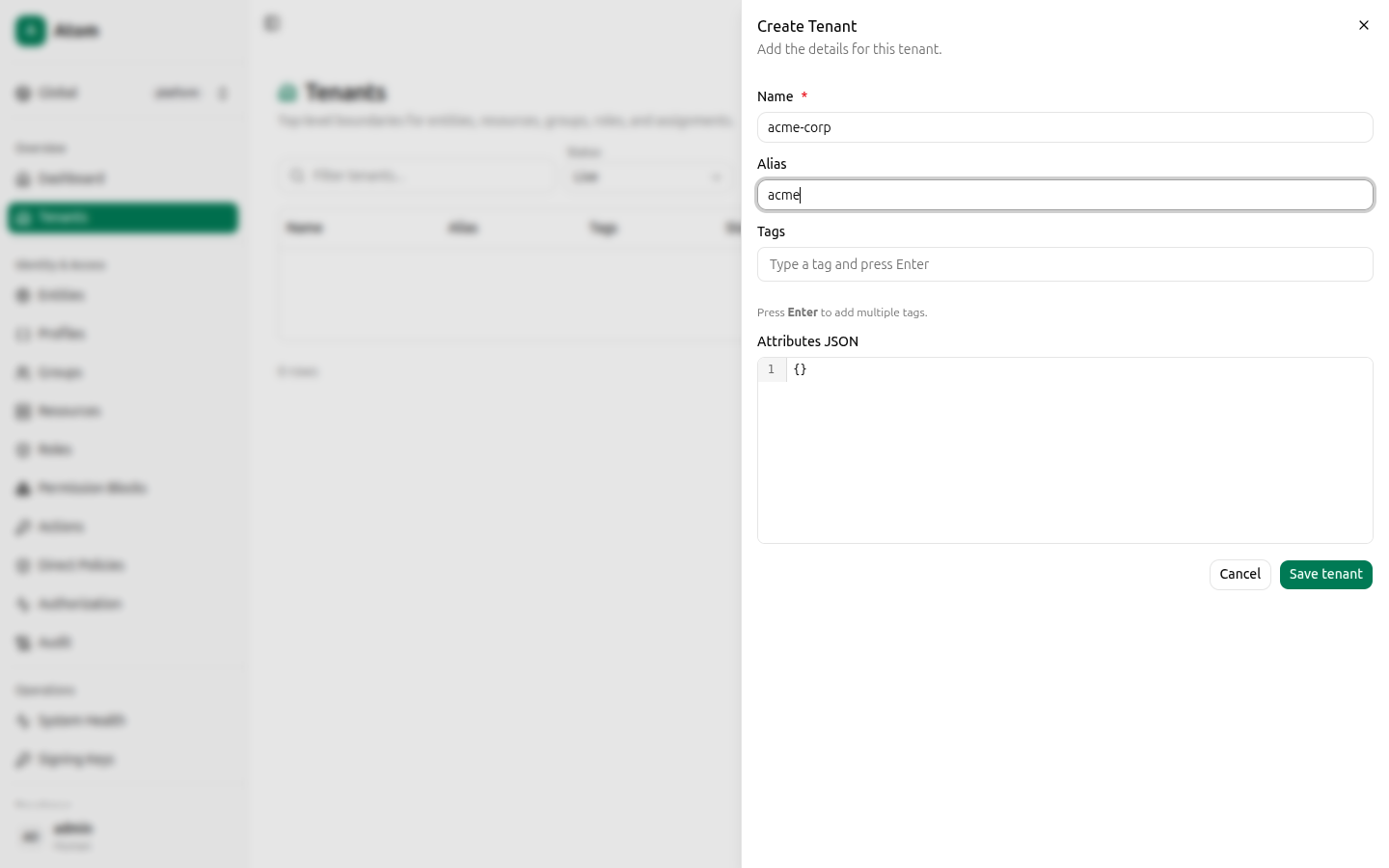
Click Save tenant.
Row actions
Each row exposes five actions:
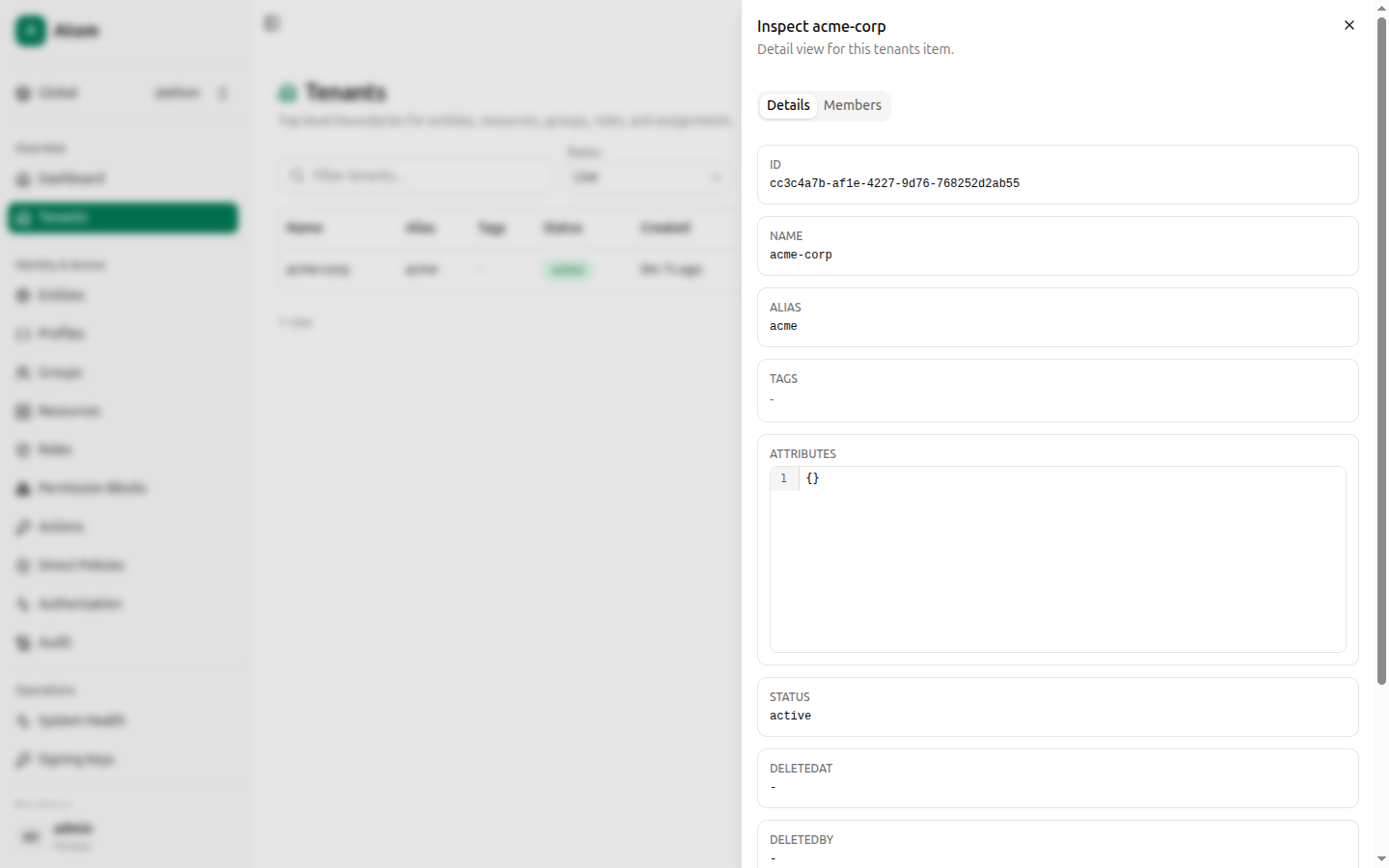
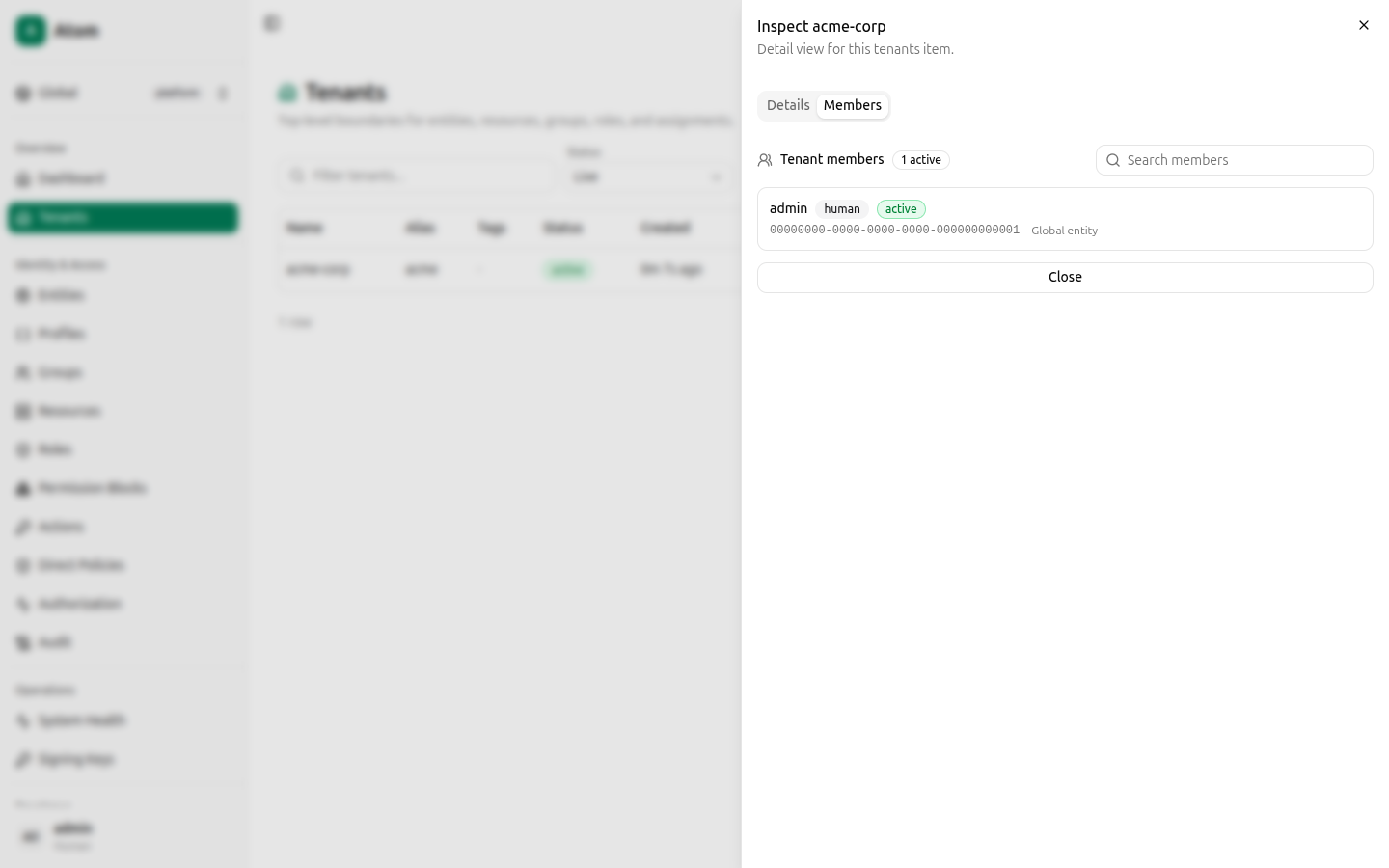
- Inspect — opens a detail dialog with Details and Members tabs (below).
- Edit — reopens the create form pre-filled, to change name, alias, tags, or attributes.
- Freeze — a soft-suspend state between active and disabled; frozen tenants block new writes while preserving existing data for audit/read purposes.
- Disable — deactivates the tenant.
- Delete — permanently removes the tenant record.
Inspect: Details tab
Shows ID, Name, Alias, Tags, Attributes, Status, DeletedAt, DeletedBy, CreatedAt, and UpdatedAt. Click the copy icon next to ID to copy the UUID to your clipboard — you'll need tenant IDs occasionally when working directly against the GraphQL API.
Inspect: Members tab
Lists every entity that belongs to this tenant (name, kind, status, ID), with a search box to filter by name. This is a read-only membership view — to add members, create or edit an entity and set its Tenant field.
Edit dialog
Identical fields to Create, pre-populated with the current values.
Where tenants show up elsewhere
Almost every other create dialog in the UI — entities, resources, groups, roles, permission blocks, direct policies — has its own Tenant field that defaults to Global (platform scope) and lists your tenants for selection. Scoping a record to a tenant means it (and any permission block or role built on top of it) only applies within that tenant's boundary. See the Access Control reference docs for how tenant boundaries interact with permission block scope modes.